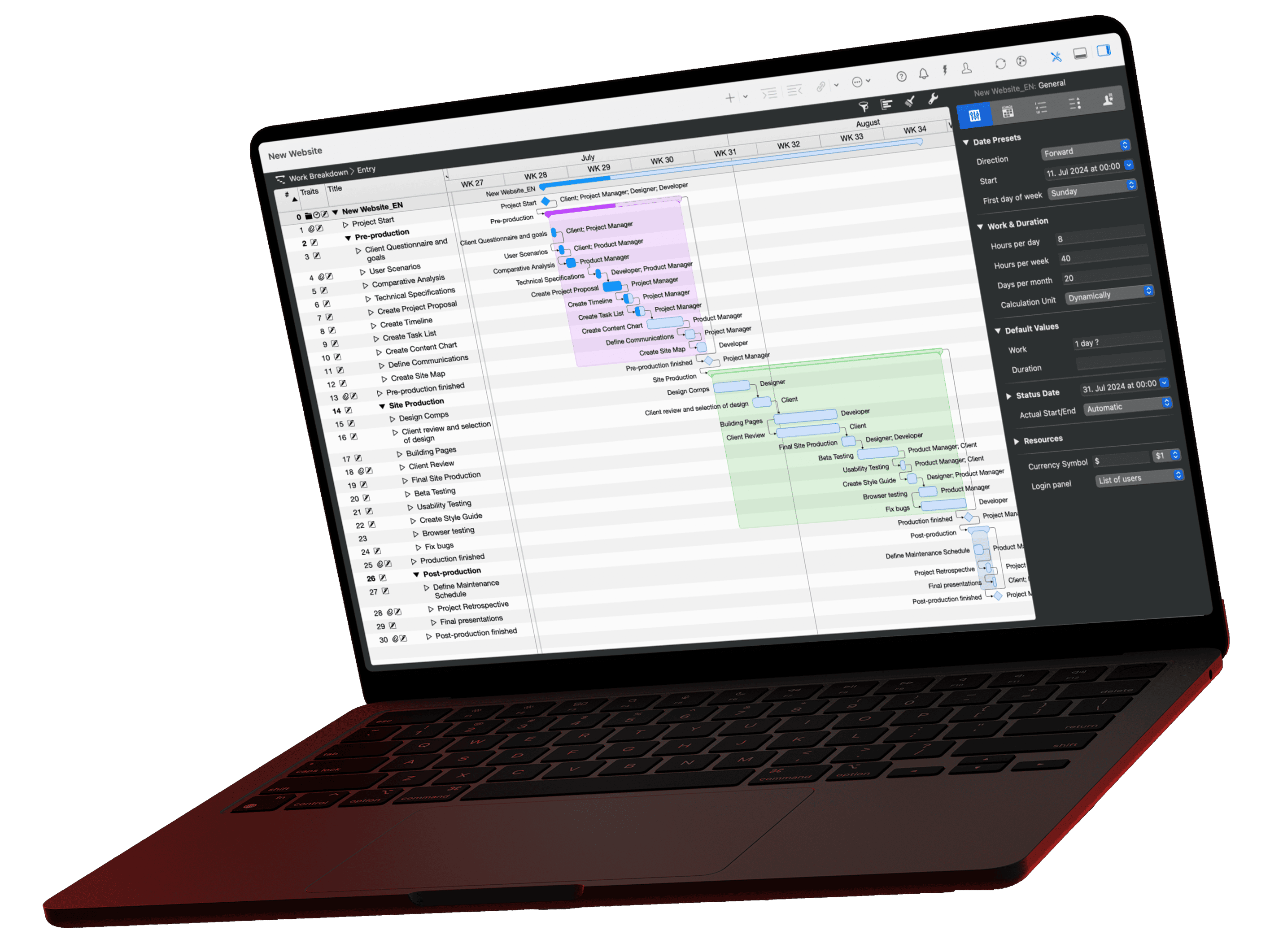
A milestone marks a point in a project where a result is available or a decision is made; it has no duration. This guide shows how to define milestones in five steps, how to tell a testable milestone from a vague one, and what a milestone plan with six milestones for an office move looks like in Merlin Project.
What is a milestone in a project?
A milestone is an event without duration that marks an important point in the course of a project: project start, end of a phase, an acceptance, a fixed external date or project end. The full definition is in the glossary under milestone.
This guide goes one step further: it shows how to set milestones so that they actually steer the project.
What makes a good milestone?
A good milestone describes a state, not an activity. "Clear the old building" is an activity with a duration. "Old building cleared" is a milestone: it is either reached or not.
| Criterion | Vague | Testable |
|---|---|---|
| State, not activity | Prepare new building | New building ready |
| Testable criterion | IT works | Wi-Fi, server and phones in the new building accepted |
| Fixed date | End of June | June 30, 5 pm |
| Responsible person | Team | Project manager |
| Consequence when reached | (none) | Go-ahead for moving day |
If a milestone has no consequence, meaning no review, approval or decision, drop it. It makes the plan longer but not easier to steer.
How do you define project milestones?
Defining milestones in five steps
Using an office move as the example
Structure
Set the phases
Break the project down into phases. In the office move: prepare old building, prepare new building, carry out move, renovate old building.
Result
Name a target state for each phase
Write the result of each phase as a state: "Old building cleared", "New building ready", "Move completed".
Criterion
Set the completion criterion
Write down when the milestone counts as reached. "New building ready" means: Wi-Fi, server, phones and wheelchair ramp are accepted.
Logic
Link it to activities
Link each milestone to the activities that lead to it. Its date then moves automatically when a predecessor takes longer.
Control
Assign ownership and the decision
Decide who checks the milestone and what is decided afterwards, for example the go-ahead for the next phase.
Example: milestone plan for an office move
A milestone plan lists all milestones of a project with their criterion and consequence. The sample project "Office move" runs from May 25 to June 30 and has six milestones:
| Milestone | Reached when … | Consequence |
|---|---|---|
| Project start | Project charter approved, team named | Work on both buildings begins |
| Old building cleared | Furniture inventoried, moving company hired, address changes sent | Moving company gets the date |
| New building ready | Wi-Fi, server, phone system and wheelchair ramp accepted | Go-ahead for moving day |
| Moving day | Furniture transport starts | Staff work in the new building |
| Move completed | All workstations set up in the new building | Renovation of the old building begins |
| Handover completed | Old building renovated and handed over to the landlord | Project closure |

In the Gantt chart, the six milestones appear as diamonds. The arrows show which activities lead to them: if "Install Wi-Fi" is delayed, "New building ready" moves back, and moving day with it.
How many milestones does a project need?
Set at least one milestone for project start and project end and one at the end of each project phase. Add fixed external dates such as an acceptance by the client or a permit. Further milestones only pay off if something is checked or decided at them.
What happens if a milestone is missed?
A missed milestone is an early warning. Check whether it lies on the critical path. If it does, it moves the project end unless you act: reassign resources, run activities in parallel or adjust the scope. If it doesn't, the available float may absorb the delay.
Creating and tracking milestones in Merlin Project
- Choose Insert › Milestone or press Cmd+Alt+M. To turn an existing activity into a milestone, choose Edit › Milestone (Ctrl+Cmd+M) or select the Milestone checkbox on the Plan tab of the Inspector.
- Link the milestone to its predecessors. Work and duration of a milestone are always zero.
- Review the milestones in the view View › Work Breakdown › Milestones. It compares planned with actual times.
- Use the Milestones filter to hide all other activities, for example for a status report to the client.
Merlin Project shows the milestone with the same date in every view: as a diamond in the Gantt chart, as a card on the Kanban board and as a node in the mind map.
Conclusion
Milestones steer a project only if they are testable. Write each milestone as a state, set a criterion and a consequence, and link it to the activities that lead to it. The plan then shows you early which date is at risk.
Milestones are one of six core methods we cover in detail in our guide to architecture project management, together with WBS, Gantt, Kanban, resource and risk management.
If you have any questions about this blog article or would like to discuss it, we look forward to your contribution in our forum.
Frequently asked questions
What is a milestone in project management?
A milestone is an event without duration that marks an important point in a project, such as project start, end of a phase, an acceptance or project end. It is either reached or not and triggers a review or decision.
How do you write a good milestone?
As a state rather than an activity: "New building ready" instead of "Prepare new building". Add a testable criterion, a date, a responsible person and a consequence, such as the go-ahead for the next phase.
What is a milestone plan?
A milestone plan lists all milestones of a project with date, completion criterion and consequence. It gives clients an overview of the project without showing every single activity.
Do milestones have a duration?
No. A milestone stands for a point in time. In Merlin Project, work and duration of a milestone are always zero; in the Gantt chart it appears as a diamond.