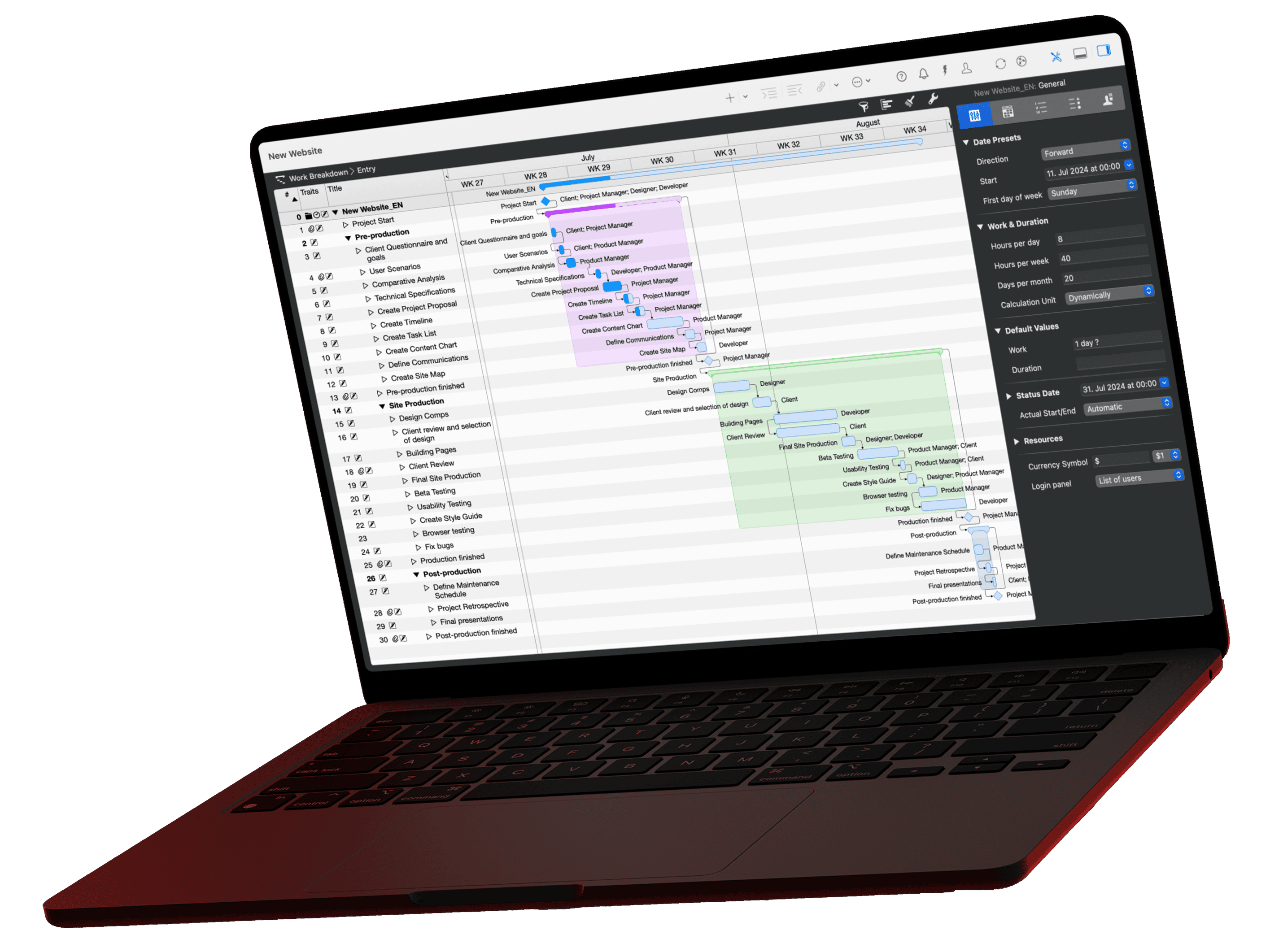
A construction schedule is a timeline that shows the start, duration and end of every trade on a building project. Site managers and architects derive it from the bill of quantities: planned hours divided by daily working time and crew size give the duration, in our example 96 hours, 3 workers, 4 days. Whether its dates bind the parties depends on the construction contract.
What Is a Construction Schedule?
A construction schedule, also called a construction calendar, sets out when each trade works on site. It makes the work of the trades follow on without long gaps. Deviations cost money, because every trade that slips pushes its successors back too.
On site, people often use construction schedule, construction sequence plan and project timeline interchangeably. Strictly speaking, they have different focal points:
| Term | Focus | Key question |
|---|---|---|
| Project schedule | Umbrella term for any plan with dates, from the master schedule to the detailed schedule | When is what finished? |
| Construction schedule | Time window per trade or construction section, usually as bars by calendar week | When does which trade work? |
| Construction sequence plan | Order and dependencies of the work steps | What has to be finished before the next trade starts? |
Which Format Suits a Construction Schedule?
The right format depends on how complex the project is. Three formats are common:
Bar Chart
A bar chart shows the start, end and duration of each trade on a calendar, for example by calendar week. For a long time it was the classic construction schedule. It gives a rough overview of the timeline and is enough for simple projects.
Gantt Chart
A Gantt chart also shows the construction phases on a timeline and adds the dependencies between work steps and milestones. Combine it with resource planning and you see where staff, materials or machinery are overloaded. Site managers and architects use it to plan projects with many trades.
Network Diagram
You develop a network diagram from the work breakdown structure. It shows the dependencies between tasks as a logical network and makes the critical path visible: the chain of tasks whose delay moves the completion date. Network diagrams suit particularly complex projects.
What Information Belongs in a Construction Schedule?
A reliable construction schedule contains at least:
- Work sections: the items of the bill of quantities, split by trade, construction section or location.
- Planned hours per work section from the cost estimate.
- Man-days: planned hours divided by the daily working time.
- Crew size: the number of workers that is technically required and available.
- Duration per work section in working days.
- Dependencies between sections and possible parallel work.
- Buffers for weather, delivery times and inspections.
- Milestones such as structural completion, topping out or handover.
How Do You Create a Construction Schedule? Step by Step
You create a construction schedule by entering the items of the bill of quantities as tasks, calculating the duration from planned hours and crew size, and linking the tasks. The following example shows the ten steps in Merlin Project using the earthworks of a building project: 96 planned hours from the cost estimate, an 8-hour day, three workers and an hourly rate of 70 euros.
Calculation for the earthworks
From planned hours to duration and cost
Duration
Cost
Merlin Project calculates both values once work, resources and standard rate are entered.
1. Create the Project and Enter the Start Date
Open a new blank document in Merlin Project and replace the placeholder »New Project« with the name of your building project. In the project row, enter the planned start of construction in the Given Earliest Start column.
2. Turn the Bill of Quantities Into Activities
Use the plus symbol in the toolbar to add an activity for each item of the bill of quantities. Name the activities by trade or construction section, such as »Earthworks«, »Foundations«, »Basement masonry«. Add subactivities with Insert > Child.
3. Enter Planned Hours as Work
Copy the planned hours from the cost estimate into the Given Work column. For the earthworks that is 96 hours, which at 8 hours per day equals 12 days. Repeat this for all other activities.
4. Create Workers as Resources
Switch to the Resources view and use the plus symbol to add the workers, in the example »Worker 1«, »Worker 2« and »Worker 3«.
5. Assign Resources to Activities
Drag the resources onto the activity, or assign them via the context menu or the resource pop-up. These resources now carry the planned work of the activity.
6. Check the Duration
If you assign several resources to an activity, Merlin Project spreads the work across all of them and the duration shrinks. For the earthworks: 96 hours ÷ 8 hours per day = 12 days of work, spread across 3 workers = 4 days duration.
7. Enter Hourly Rates
In the Resources view, enter the Standard Rate for each worker, in the example 70 euros per hour. Merlin Project uses it to calculate the labor cost of each assignment.
8. Check Costs Against the Estimate
Open the Cost Planning view and compare the Planned Costs column with your estimate. For the earthworks, Merlin Project shows 6,720 euros. Cross-check: estimated net amount of 6,720 euros ÷ 96 planned hours = 70 euros per hour.
9. Link Activities and Check for Parallel Work
Link activities and groups to model the order of the trades. For a linear sequence, use the End to Start dependency: the foundations start when the earthworks are finished. Then check which sections can run in parallel and adjust the crew size if necessary.
10. Group Trades and Make the Plan Readable
Group related activities, for example all items of the structural shell. Under View Options > Bar, the Group Boundaries option shades expanded groups in the Gantt chart, so you recognize each trade at a glance.
You can download the example from this guide as a sample construction project and open it in Merlin Project.
Is a Construction Schedule Binding?
A construction schedule is only as binding as the construction contract makes it. No law requires you to create one. Clients and contractors often agree on it as part of the contract, though.
For contracts that incorporate the German construction contract rules VOB/B, § 5(1) VOB/B governs the execution deadlines: individual deadlines contained in a construction schedule count as contractual deadlines only if the contract expressly says so. Without that agreement, the interim dates are not contractual deadlines and the schedule serves site management as a control tool. Other jurisdictions and standard contracts have their own rules, so check the clause in your contract.
Construction Schedule in Excel or in Software?
A spreadsheet works as long as nothing moves. As soon as a trade arrives late, you recalculate every follow-on date in Excel by hand, because cells know nothing about dependencies. Construction schedule software like Merlin Project moves all successors automatically, links dates with resources and costs and shows the critical path. Read the full comparison in Merlin Project or Excel.
Is There a Construction Schedule Template?
Yes. The architecture and construction templates for Merlin Project include a single-family home in four languages and a construction schedule that follows the German process with work stages and permit procedures. Download a template and add your trades.
How the construction schedule, work stages and fee control fit together in an architecture practice is covered in the guide architecture project management. A practical example with around 1,500 activities in a single file comes from the Amann Architektur testimonial.
If you have any questions about this blog article or would like to discuss it, we look forward to your contribution in our forum.
Frequently asked questions
What is a construction schedule?
A construction schedule is a timeline that shows the start, duration and end of every trade on a building project. It coordinates the trades so that their work follows on without long gaps.
How do you calculate the duration in a construction schedule?
Divide the planned hours from the cost estimate by the daily working time, then by the number of workers. Example: 96 hours ÷ 8 hours per day = 12 days of work, spread across 3 workers = 4 days duration.
What is the difference between a construction schedule and a construction sequence plan?
The construction schedule shows when each trade works. The construction sequence plan emphasizes the order and dependencies of the work steps. On site, both terms are often used interchangeably.
Is a construction schedule binding?
Only if the construction contract says so. Under § 5(1) of the German VOB/B, individual deadlines in a construction schedule count as contractual deadlines only if the contract expressly agrees on it.