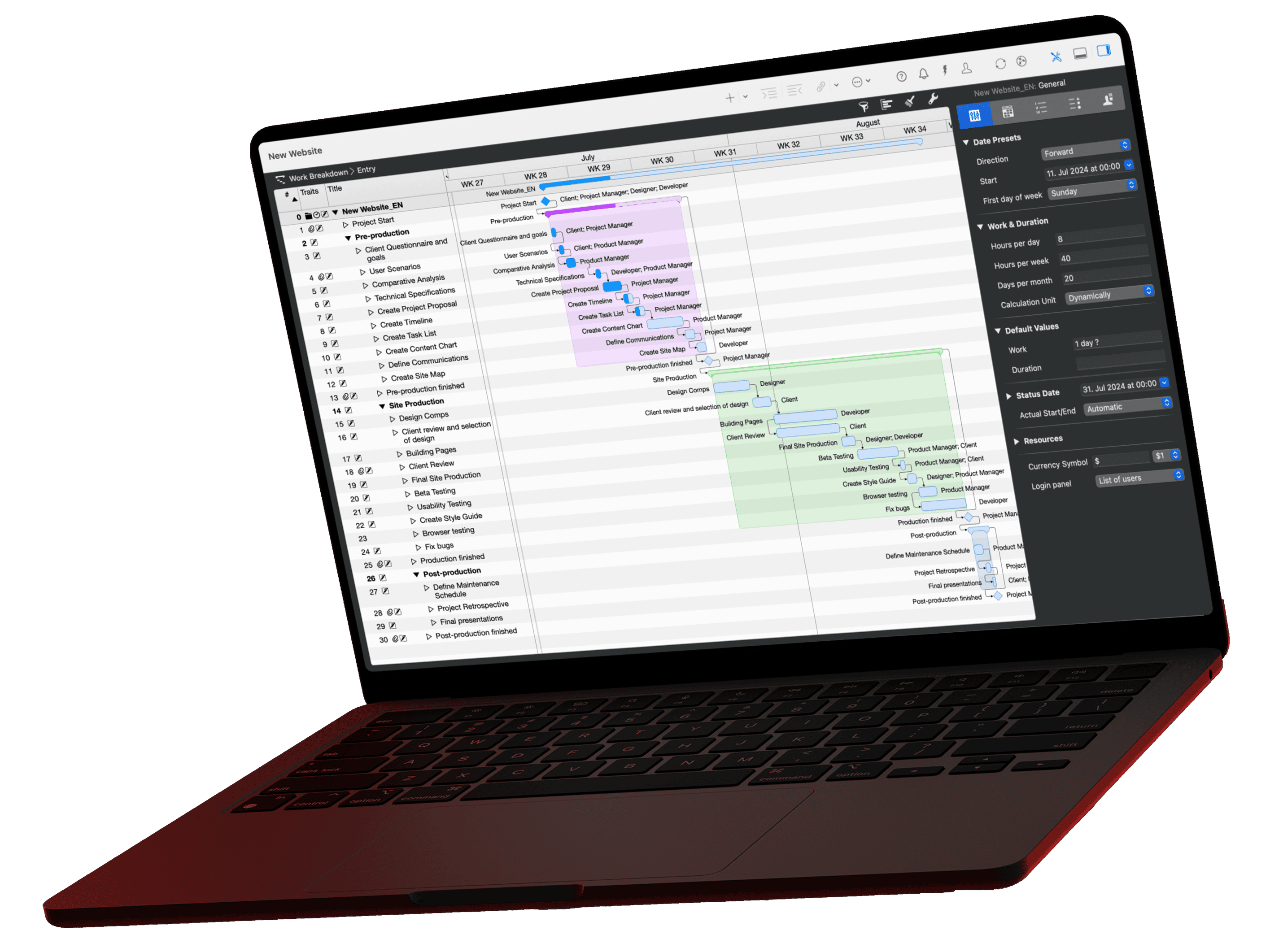
The Intelligent Assistant in Merlin Project turns a text description into a complete project plan: activities grouped in phases, work efforts, dependencies, resources, milestones and risks. It uses ChatGPT and has been part of Merlin Project for Mac, iPad and iPhone since version 9. During the free 30-day trial, you can create up to 10 projects per day with it.
The result is a draft that you keep editing in every view. You start with a plan that matches your description instead of an empty document or a generic template.
How do I create a project plan with AI?
You describe your project in a text field, choose the language, project size and options, and click "Create". Merlin Project then opens a new document in the Work Breakdown view and fills it on its own. Step by step:

- Open the start dialog with File > New…. It also appears when you launch Merlin Project.
- Under New Document, choose Intelligent Assistant and click Create.
- Enter a project description as free text. The field accepts plain text without formatting.
- Choose the language. The default is Detect project language: the assistant uses the language of your description. Alternatively, pick one of nine languages, such as German, Spanish or Japanese.
- Set the Project size with the slider. The assistant requests about 20 activities for Small, about 50 for Medium and about 80 for Large. Medium is the default.
- Select the options you want (see the next section) and click Create.

Merlin Project remembers the description, language, size and options for next time. Click Cancel to close the dialog without creating a document.
What does the AI assistant generate?
The assistant always creates activities, grouped in phases up to three levels deep. Five checkboxes control what else it adds; the first time, all of them are selected:
| Option | Result in the project |
|---|---|
| Work efforts | Estimates the work for each activity and enters it as Given Work, in minutes, hours, days, weeks or months. |
| Dependencies | Links the activities and integrates the milestones into this chain. |
| Resources | Creates the people or roles named in the description as resources and assigns them to the activities. |
| Milestones | Places a milestone after each top-level phase. |
| Risks | Attaches risks to suitable activities, each with a risk class, a probability and an impact on costs, scope and deadline. |
The assistant derives the risks from the generated activity list, not from your description. Add known risks yourself afterward, as shown in the lesson Risk Management.
What happens after I click "Create"?
Merlin Project fills the new document in four steps: activities, dependencies, milestones and risks. The window's title bar shows the current step, such as "Create Activities".

If you close the window during generation, Merlin Project cancels it. Once it is done, you edit the project like any other: adjust durations, add dependencies, replace roles with real people.
Example: an office move for 50 employees
We entered this description in the dialog, with project size Small and all five options selected:
Office move for 50 employees from the old building to the new building, budget EUR 10,000, deadline June 30. Work packages: IT infrastructure, contractor work, furniture transport, address changes. Time format: days.
The assistant turned it into the "Office Move Project" in the Work Breakdown view:
- Phases such as Planning, IT Infrastructure and Contractor Work, with activities such as Define Scope, Install Software or Obtain Quotes.
- Work efforts in days, because the description asks for "Time format: days".
- Milestones such as "Planning Completed" at the end of the phases, integrated into the dependencies.
- Roles as resources, such as Project Manager, Finance Officer, IT Technician and Facility Manager.

The risks end up as attachments to the activities. The Attachments view lists them with their status, and the Inspector shows each probability in percent, for example "Damage to Furniture During Transport" attached to an activity of the furniture transport phase.

A brief input such as "Plan an office move" produces generic activities. The more key facts you provide, the better work packages, durations and dependencies fit your project.
How do I write a good project description?
A good description names the goal, scope, dates, budget and the people involved as roles. The assistant works with a large language model that generates content based on a "prompt". These details improve the result:
- Specify the time format: "Time format: days" gives a clearer plan than hours or minutes.
- Ask for conservative estimates: "Plan conservatively" builds buffer into the schedule.
- Use roles instead of names: Write "IT lead" instead of "Mr. Schulze" and assign the actual resources afterward.
- Name the work packages: List the focus areas, as in the example above.
- Iterate: Discard a result and generate it again with an adjusted description.
💡 Tip: Prompt Coach for Merlin Project
Want to sharpen your description? Our free GPT agent asks for the missing key facts and turns them into a project description for the Intelligent Assistant.
Try Prompt Coach →Is the AI assistant free?
Yes, during the trial, and it costs nothing extra afterward. The Merlin Project subscription includes the AI costs, and you don't need your own ChatGPT account. In the free 30-day trial, you create up to 10 projects per day and 70 per week; with a subscription, up to 200 per week. When you reach a limit, Merlin Project shows a message and doesn't create a project. Download the Merlin Project free trial to try it.
The assistant is part of Merlin Project. Merlin Project Express doesn't include it.
What happens to my data?
Merlin Project sends your description and the selected options to ProjectWizards and ChatGPT; the dialog says so and links to the privacy policy. The request goes through a ProjectWizards server in northern Germany, which passes it on to OpenAI without storing it. OpenAI therefore sees ProjectWizards as the sender, not you. Read more in Digital Sovereignty and Privacy in Merlin Project and in our privacy policy.
The assistant needs an internet connection. If your firewall blocks connections to https://assistant.projectwizards.net, Merlin Project reports a connection error.
What comes after the draft?
Check the activities, adjust the work efforts to your experience and add missing dependencies. These lessons help:
- Adding Context & Logic: refine dependencies and durations
- Setting Up Resources: replace roles with real people and check utilization
- Brainstorming and Mind Mapping: start without AI from an empty document
The assistant creates new projects. For questions about existing plans, an AI client such as Claude connects through the Merlin Project MCP server, which runs locally on your Mac and only reads. The article What is MCP? explains how it works. Tested questions for your plan are in the prompt library, and Creating Projects with AI shows the assistant in a real workflow.
In the next chapter, we will create a project from scratch.
Questions about the learning path?
We’re happy to refer you to our partners. They offer dedicated Merlin trainings for any topic and support rolling out Merlin across your projects.
We recommend: Gareth Watson, certified Merlin Project Trainer (online & inhouse).
Frequently asked questions
Is the AI assistant in Merlin Project free?
During the 30-day trial, you use it at no cost for up to 10 projects per day and 70 per week. After that, the Merlin Project subscription includes the AI costs, with up to 200 projects per week.
Do I need a ChatGPT account?
No. Merlin Project sends the request to ChatGPT through a ProjectWizards server. All you need is Merlin Project and an internet connection.
How many activities does the assistant create?
That depends on the project size: Small requests about 20, Medium about 50 and Large about 80 activities. The actual number can vary.
Does the assistant work offline?
No. Generation runs through ChatGPT and needs a connection to assistant.projectwizards.net. You can edit the generated project offline afterward.
Is the assistant available in Merlin Project Express?
No. The Intelligent Assistant is only included in Merlin Project.