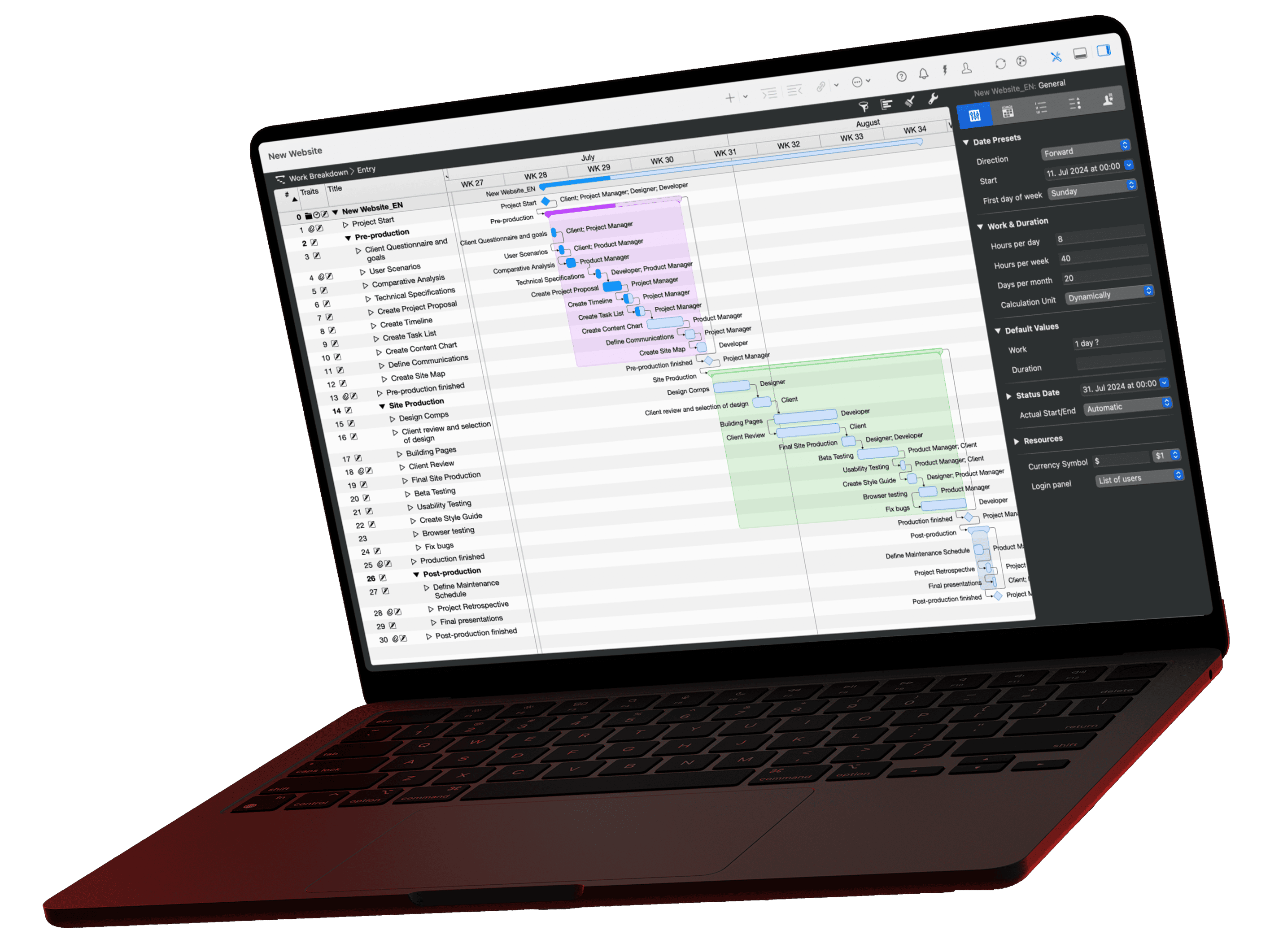
Every activity in Merlin Project comes with documents that live in other apps, such as the client's approval in Mail or the quote in Finder. With Hookmark, you link the activity to these sources and open them straight from the plan. Hookmark co-founder Luc P. Beaudoin recommends Merlin Project in his book "Cognitive Productivity with macOS" for projects with several people, dependencies and shared resources.
Your plan in Merlin Project shows who does what by when. The documents behind it are created elsewhere, in Mail, in Finder or in your notes app, and hardly anyone files them with the activity. In four situations, that costs you time.
When project managers need to link documents
- Approvals and permits. The activity "Submit building permit application" depends on the application, the confirmation of receipt and every query from the building authority. When the next request for documents arrives six weeks later, you need the entire correspondence right away.
- Disputes about scope. If the client asks for work that was never agreed, you need the email in which they signed off the milestone "Concept approved". With it in hand, you negotiate change requests.
- Handover and cover. Whoever takes over an activity needs to know which documents belong to it. Hookmark stores hooks on your Mac, so your stand-in does not see them. Add the most important links as a URL in an information attachment on the activity as well (step 3 below). They are then saved in the project file that your team shares via MagicSync, and your colleague finds the approval even while you are on vacation.
- Reports and evidence. For the interim report to a funding body or client, you collect evidence per work package: test records, literature, time tracking.
Hookmark links the activity to these documents without you having to reorganize your files. The connection, called a hook, works in both directions. Hookmark does not copy or move any file, so your plan does not grow with it.
Documents that belong in the project itself still go into Merlin Project as attachments on activities. Hookmark adds everything that should stay in other apps.
Which documents belong to an activity
Typical sources you link to an activity with Hookmark

Merlin Project
Activity
What is Hookmark?

Hookmark is a Mac app by the Canadian company CogSci Apps. Co-founder Luc P. Beaudoin is a cognitive scientist and has written two books on "Cognitive Productivity". Hookmark puts one of their ideas into practice. Information stays in the app where it was created and is still one click away.
Under the hood, Hookmark works with links. Every compatible app provides an address for its content, for example for an email, a file, an OmniFocus item or an activity in Merlin Project. Hookmark remembers which addresses you have connected and shows them in a small window above the active app. The list of compatible apps includes Mail, Finder, Safari, DEVONthink, OmniFocus, Timing and many more.
The introductory video by CogSci Apps shows Hookmark in everyday use:
Personal tasks and the shared plan
In "Cognitive Productivity with macOS", Beaudoin deliberately keeps the project plan apart from personal task lists such as OmniFocus.
"Your personal action system and the project's shared representation serve different purposes, even when they concern the same project."
Luc P. Beaudoin, Cognitive Productivity with macOS
In OmniFocus, you plan your next step. Merlin Project shows the whole team who is working on what and which activity is waiting for which. Your personal notes do not belong in this shared plan.
Hookmark connects both without mixing them. Your OmniFocus task "Submit structural calculations" points to the activity in the plan, and from the activity you get back to the task. The team only sees the activity.
How to set a hook
Hookmark always works with the item you have selected in the frontmost app. In Merlin Project, that is the selected activity or assignment. To open Hookmark's popup window, press ⌃H (Control-H) in the frontmost app.
Other app
Copy the source link
Select the email, file or note, invoke Hookmark and choose "Copy Link" from the menu. If a project starts with an email, such as a call for tenders, "Hook to New › Merlin Project" creates a new project file that is already linked to the email.

Merlin Project
Select the activity
In the work breakdown structure, select the row the source belongs to and invoke Hookmark. The window now shows this activity. Hookmark reads it via the AppleScript interface; you need Merlin Project 8 or later and Hookmark 3.2 or later.

Hookmark
Set the hook
Choose "Hook to Copied Link". The activity and the source are now connected. If the source should also be visible in the plan, paste the link as a URL into an information attachment as well.

Hookmark
Collect
Hookmark collects every link you have copied or hooked. The window shows the activity with its link merlinproject:/…. Use "Pin" to keep important activities at hand, and the search (⌘F, term merlinproject) lists all Merlin activities. You can also paste the link into emails or minutes. A click opens the activity on Mac and iPad; you set hooks only on the Mac, though, because Hookmark is a Mac app.

Hookmark's Partner of the Month
In October, CogSci Apps features Merlin Project in its Partner of the Month program. Read Luc Beaudoin's post on the Hookmark blog; the Hookmark help page on Merlin Project describes the integration in detail.
Our support FAQ on Hookmark also answers setup questions. Hookmark will soon be available in German, French and Japanese as well.
Discount for Merlin users
With the code MERLIN-PROJECT, you get a discount on Hookmark Pro (regular price US$69.99). You can set hooks from the Standard license upwards; the free Basic version only opens links. The 30-day trial includes all Pro features. On the purchase page, click "Buy", choose "Add discount" on the left during checkout and paste the code. You can download the app itself from the download page.
Not using Merlin Project yet? Try Merlin Project free for 30 days and link your first activity to its documents.