Glossary
Deliverable
Project Deliverable, Project Output, Work Product
A deliverable is a verifiable result that a project hands over to a client or user. Typical examples are a requirements specification, a finished app in the App Store, or an accepted building shell. Every deliverable has a recipient, a due date, and criteria the recipient uses to accept it.
The PMBOK Guide defines a deliverable as any unique and verifiable product, result, or capability that a project, phase, or process must produce. Deliverables can be tangible (a machine, a building, a manual) or intangible (software, a concept, trained staff).
What are examples of deliverables?
| Project | Deliverable | Acceptance criterion |
|---|---|---|
| Website relaunch | Approved design concept | Client signs off the designs for home and product pages |
| Software development | Version 1.0 in the App Store | All test cases pass, app passes App Review |
| Office move | Ready-to-use workstations | Every desk has power, network, and furniture as per the floor plan |
| Construction | Accepted building shell | Client's acceptance report lists no major defects |
| Market study | Final report | Report answers every question in the brief |
Documents count too: the project charter, status reports, or the closing report are deliverables as soon as someone receives and reviews them.
What types of deliverables are there?
- External deliverables go to clients, customers, or users: the product, the documentation, the training. They usually appear in the contract or the statement of work.
- Internal deliverables stay within the team and prepare the external ones, such as a test plan, a risk register, or an architecture draft.
- Interim deliverables emerge during the project and form the basis for the next phase, for example an approved prototype.
- Final deliverables are handed over at the end. Their acceptance formally closes the project.
What is the difference between a deliverable and a milestone?
A milestone marks a point in time; a deliverable is a thing. The two often go together: the milestone "Design concept approved" occurs once the deliverable "Design concept" passes acceptance. A milestone can also stand without a deliverable, such as "Project start" or "Budget approved".
A work package describes the work that produces a deliverable:
| Deliverable | Milestone | Work package | |
|---|---|---|---|
| What is it? | Result someone accepts | Point in time in the plan | Bundle of work |
| Key question | What do we deliver? | When is it reached? | What do we do for it? |
| Duration and effort | none, it is an object | zero duration | has duration and effort |
| Example | Design concept | Design concept approved | Create and review designs |
That is why many teams structure the upper levels of their work breakdown structure by deliverables and place the work packages beneath them.
Common mistakes with deliverables
- Activity instead of result: "Create design" is a task. The deliverable is "Design concept, approved".
- No acceptance criteria: Without agreed criteria, client and team end up arguing about whether the result is finished.
- No recipient: A result that nobody reviews and takes over remains a by-product.
How do you track deliverables in Merlin Project?
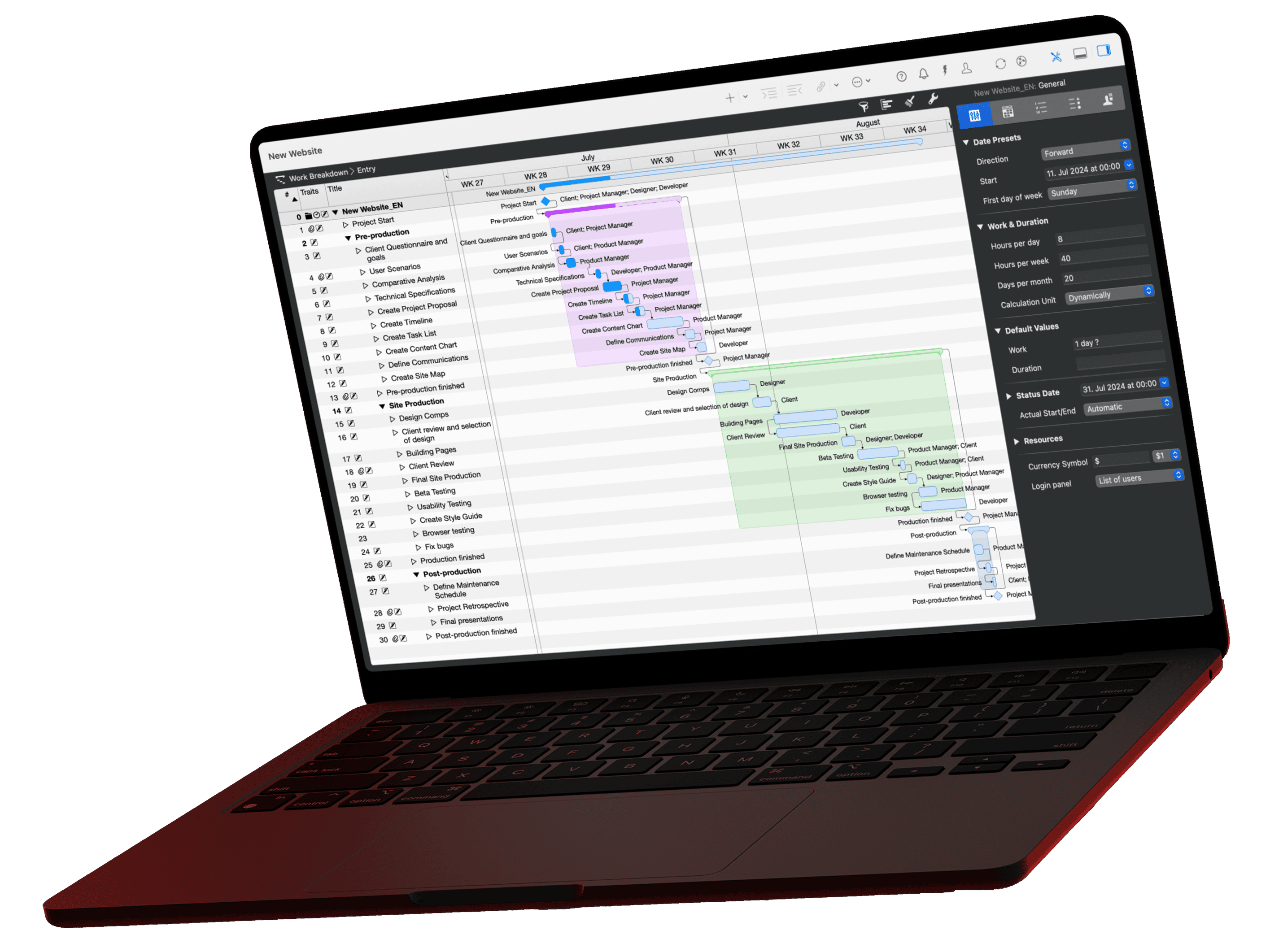
In Merlin Project, create a milestone for each deliverable with Insert › Milestone or Alt+Cmd+M. Place it after the activities that produce the result and link them as predecessors. The plan then reaches the milestone "Design concept approved" only when all design activities are done.
Attach the result itself to the milestone: select it and choose Insert › Attachment › File. Merlin Project stores the file in the project document and keeps all versions as a revision history. Record the acceptance criteria as an attachment of type Checklist. In Merlin Project Express, only Insert › File Attachment… is available.
The Milestones project view in the Work Breakdown shows all delivery dates as a table and Gantt chart and compares planned with actual dates. For guidance on setting milestones, read How to Define Project Milestones.