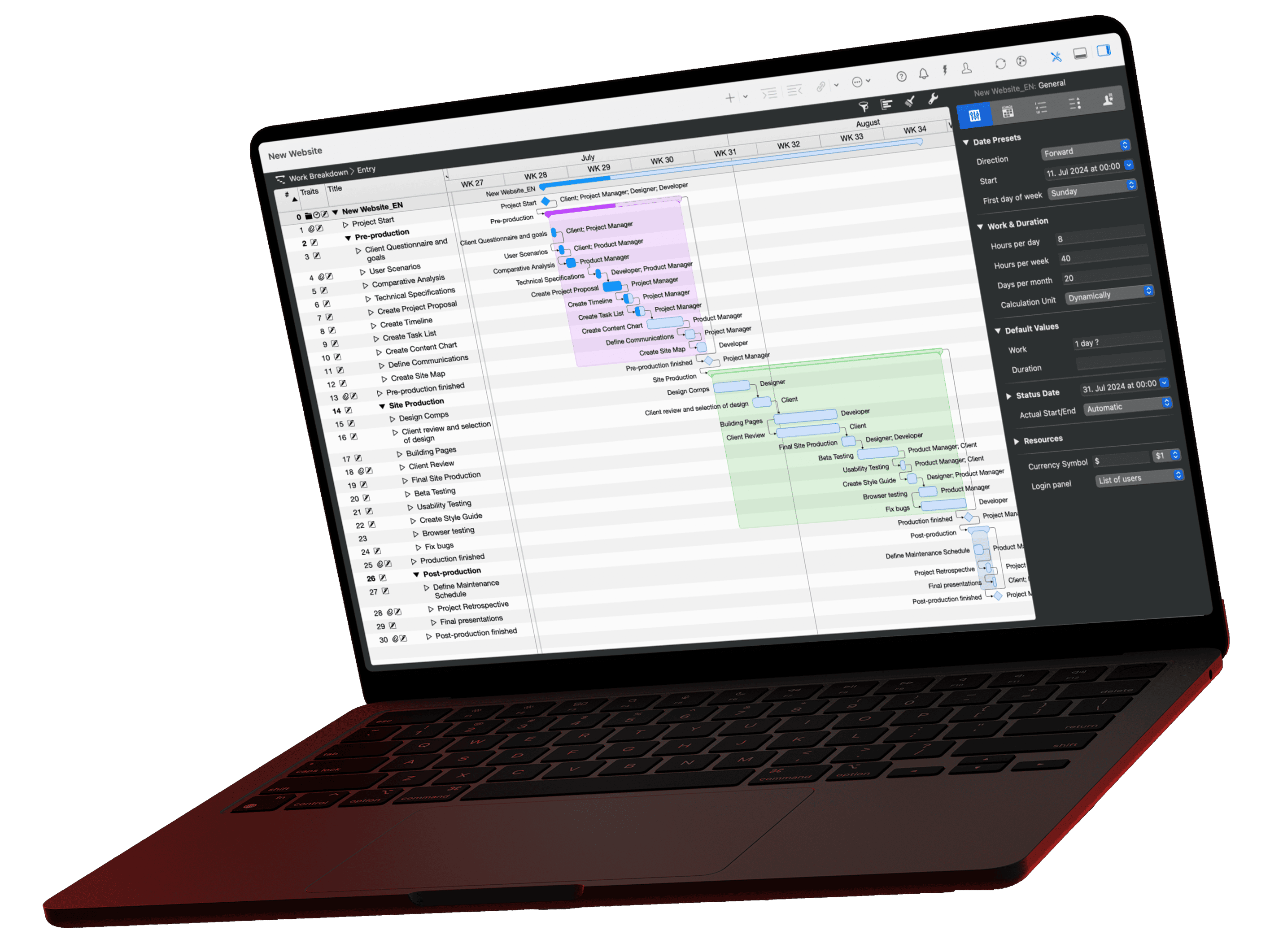
Most questions for a project plan come back every week: What is stuck, where is the fire, what do I tell management? With Merlin Project and an AI assistant such as Claude, you ask these questions in one sentence. Here are the five questions from our video, each with the prompt to copy, a look at the answer, and a tip on how to cross-check the result in Merlin.
The video for this article
The video (in German) is embedded in the German version of this article.
Before you start
All five prompts require that your AI assistant is connected to the Merlin Project MCP server and that you have enabled the option “Allow AI tools to interact with document” in the project. To try them out, use the sample project Product Launch Phoenix, which we also used to shoot the video. Replace placeholders in curly braces, such as {PERIOD}, with your own details before sending.
Question 1: What is overdue, and who owns it?
The classic Monday-morning check:
Prompt: Which tasks are overdue, and who owns them?
Which tasks are overdue, and who is responsible for each of them?Open this prompt in the library ›
The AI returns a list of overdue tasks with the resources assigned to each. To cross-check, set a filter for overdue tasks in Merlin Project and put both lists side by side.
Question 2: Where is the biggest schedule risk?
Overdue does not automatically mean critical. With this question, the AI weighs the tasks:
Prompt: Where is the biggest schedule risk?
Where is my biggest schedule risk right now? Justify your assessment using the dependencies in the plan.Open this prompt in the library ›
The AI assesses which delay drags along the most successor tasks and justifies its assessment with the dependencies in the plan. To cross-check, show the critical path in Merlin Project and look for the task it named.
Question 3: How far do plan and reality diverge?
Prompt: How far do plan and actual differ?
Compare the planned and actual progress over {PERIOD}. Which tasks deviate the most?Open this prompt in the library ›
For {PERIOD}, insert the stretch of time you care about, for example the last two weeks. The AI then compares planned with actual progress and names the tasks with the largest deviations. For this, your project needs a baseline, because it supplies the planned values. Without a baseline, the AI can only work with the current status and, at best, points this out to you. To cross-check, show the baseline bars in the Gantt chart.
Question 4: What happens if a milestone moves?
The most demanding of the five questions:
Prompt: What happens if a milestone slips?
Which tasks depend on the milestone {NAME}, and what happens to them if the milestone is delayed by {PERIOD}?Open this prompt in the library ›
For {NAME}, insert the milestone as it is called in the plan, and for {PERIOD} the assumed shift. The AI traces the dependencies through the plan, names the tasks that depend on the milestone, and shows how their dates would move. You can check this answer in a particularly tangible way: move the milestone in Merlin Project yourself by the same amount, let the plan recalculate, and compare the dates with the prediction. Then undo the change with ⌘Z. The AI itself cannot change the plan, by the way, because the MCP server only reads.
If individual dates differ from the prediction, the cause is often a detail such as calendars, buffer times, or manually set dates. In that case, the Merlin Project calculation applies.
Question 5: The update for management
Prompt
Summarize the project status in five sentences for an update to {STAKEHOLDER}. Include the current status and the next steps for the coming week.For {STAKEHOLDER}, insert the recipient, such as management or your client. The AI summarizes the status in five sentences and names the current status and the next steps for the coming week. The result is a draft based on the current plan. Proofread it and add what is not in the plan before you send it.
What the answers can look like
Here you see what an answer looks like in practice, before you set anything up yourself. For all five questions, the examples show a typical answer in the sample project Product Launch Phoenix:
How the AI answers in the project “Product Launch Phoenix”
Pick a question and see how the AI answers it via the MCP server.
Question
Which tasks are overdue, and who is responsible for each of them?
Sample answer
Three tasks in the plan are currently overdue:
| Task | Planned finish | Responsible |
|---|---|---|
| Set pricing strategy | 5 working days ago | Product management |
| Evaluate beta feedback | 3 working days ago | Development |
| Approve press texts | 1 working day ago | Marketing |
“Evaluate beta feedback” has the lowest progress at 40 %. Since several successor tasks depend on it, you should sort out this task first.
Question
Where is my biggest schedule risk right now? Justify your assessment using the dependencies in the plan.
Sample answer
The biggest schedule risk lies with the task “Evaluate beta feedback”.
Reasoning from the dependencies:
- The task is on the critical path and has no buffer.
- Three tasks depend on it directly: “Create final version”, “Update manual”, and “Train sales team”.
- Through these tasks, the milestone “Market launch” is affected as well.
“Set pricing strategy” has been overdue for longer, but it still has buffer until the next dependent task. A delay there affects the project end only later.
Question
Compare the planned and actual progress over the last two weeks. Which tasks deviate the most?
Sample answer
Compared with the baseline, the project is slightly behind plan over the last two weeks. These tasks deviate the most:
- “Evaluate beta feedback”: planned 80 %, actual 40 %
- “Approve press texts”: planned 100 %, actual 60 %
- “Prepare website”: planned 50 %, actual 70 %, so ahead of plan
The remaining tasks in this period deviate from the plan by less than 10 percentage points.
Question
Which tasks depend on the milestone “Market launch”, and what happens to them if the milestone is delayed by two weeks?
Sample answer
Four tasks depend directly on the milestone “Market launch”:
- “Start launch campaign”
- “Brief sales team”
- “Ramp up customer support”
- “Review results after 30 days”
If the market launch slips by two weeks, these tasks also move by two weeks, because they follow the milestone without buffer. This pushes the project completion back by two weeks as well.
Tasks with fixed dates do not move automatically. Check them separately.
Question
Summarize the project status in five sentences for an update to management. Include the current status and the next steps for the coming week.
Sample answer
Overall, the project is slightly behind plan, but the market launch is still within reach. Three tasks are overdue; the most critical is the evaluation of the beta feedback, because it lies on the critical path. The website, on the other hand, is ahead of plan. In the coming week, the team completes the evaluation of the beta feedback and approves the press texts. In parallel, work on the final version begins so that the market launch takes place as planned.
The sample answers show what an answer can look like. With your own plan and model, it will turn out differently.
Build your own questions
All five prompts follow the same principle: you say what you want to know and in what form. The article Prompt basics for project managers explains how to develop your own questions for your plan from this. Which questions the AI answers well and where its limits lie is shown in the article What AI can do in project management, and what it (still) cannot.
How to connect your AI assistant to Merlin Project is described in the article Which AI client is right for you? The full reference is in the MCP documentation.
If you have any questions about this blog article or would like to discuss it, we look forward to your contribution in our forum.
Frequently asked questions
What do I need for the five prompts?
You need Merlin Project with the MCP server enabled and an AI assistant that can connect via MCP. You also enable the option “Allow AI tools to interact with document” in the project. The AI can read only shared projects.
Can the AI change my project plan?
No. The Merlin Project MCP server only reads. The AI can tell you what happens if a date moves; you make the change itself in Merlin Project.
Do the prompts also work with ChatGPT?
ChatGPT cannot connect to Merlin Project via MCP. You can, however, export your plan as a PDF and ask ChatGPT the same questions. That takes more effort, and the answers can differ, because the AI first has to interpret tables and charts from the PDF.
Which data does the AI pass on to its provider?
The AI retrieves only the data it needs for your question, and only from projects you have shared. This data goes to the AI provider for processing. If you want to avoid that, use a local language model, for example with LM Studio. The data then stays on your Mac.
Why does the AI say it lacks comparison values for question 3?
To compare plan and actuals, your project needs a baseline. Without a baseline, the AI knows only the current status and cannot calculate a deviation.
What do I do with the placeholders in curly braces?
Replace {PERIOD}, {NAME}, or {STAKEHOLDER} with your own details before sending, for example “the last two weeks”, the name of a milestone, or “management”.
Can I rely on the AI's answers?
The AI reads the values directly from your plan and is usually right with questions like these. It can, however, misread values or assign them to the wrong item. So check important numbers briefly in Merlin Project before you pass them on. For each of the five questions, the article gives you a tip for cross-checking.
Why do I get a different answer than in the video?
The answer depends on your project data, the AI model, and the point in time. Even with the same sample project, the AI does not word its answer the same way every time. The facts from the plan should match, though.