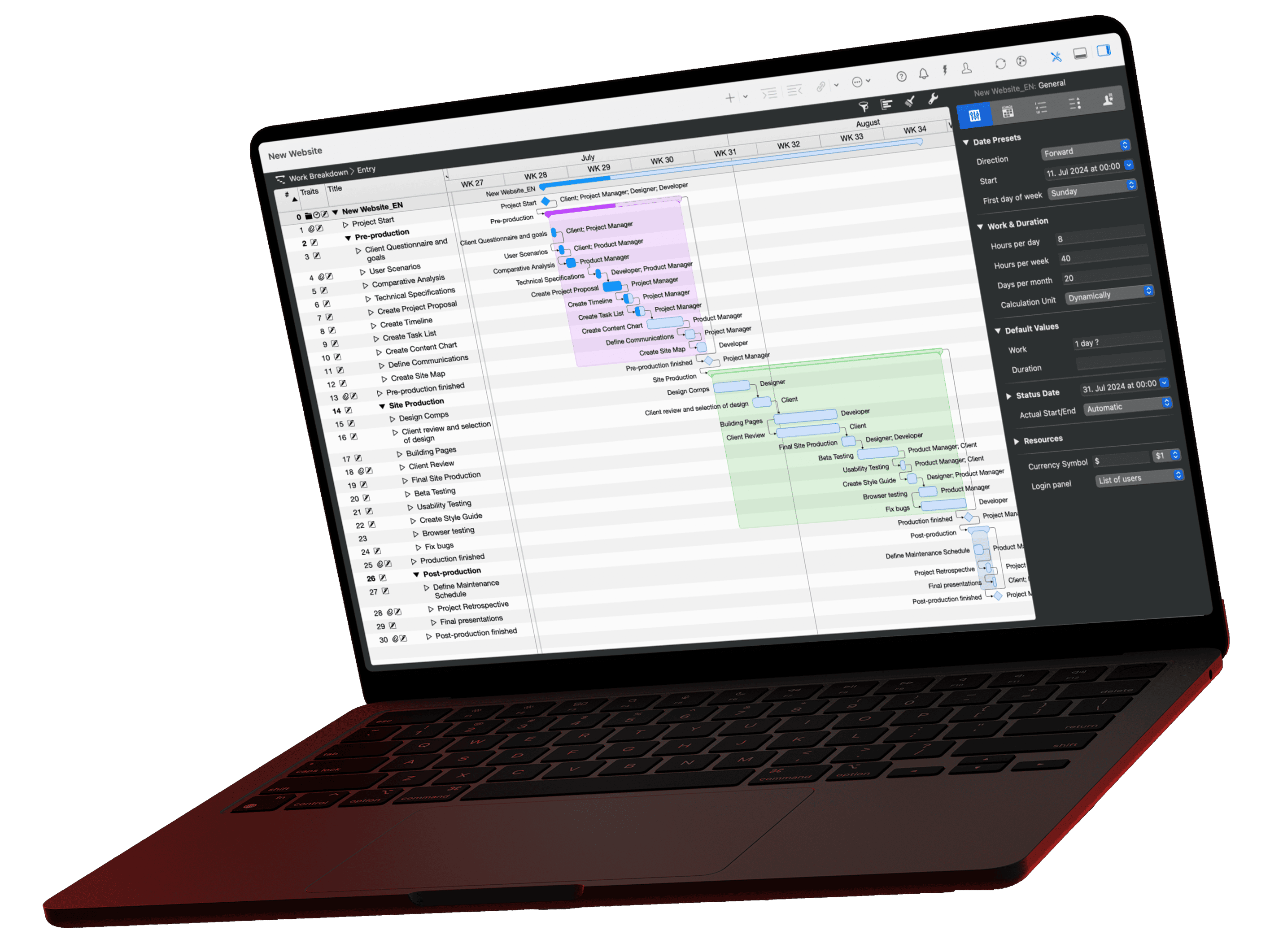
Five AI clients can read your Merlin plan, from the chat app through the editor to a model that runs entirely on your Mac. Then there is the question about ChatGPT. Which one is right comes down to three points. Where may your data go, how much technology do you want, and which AI do you already use? This article works through those three points, offers them below as a decision helper to click through, and lists every client in a table at the end.
The video for this article
The video (in German) is embedded in the German version of this article.
The server stays, only the client changes
The Merlin server is the same for all five clients. It runs on your Mac, only reads the projects you share, and nobody from outside can reach it. You choose only the AI side, and you can switch it any time: the sharing in Merlin stays, only the client changes. So the choice is not a decision for life. Still, the very first question may already settle it.
Which AI client suits your project plan?
Five routes lead to your Merlin plan, you need exactly one. Answer up to five questions and get a recommendation with reasons. The Merlin server stays the same for all of them; you can switch any time.
May your project data be sent to an AI provider on the internet for processing?
With Claude, ChatGPT and the like, a data center processes the excerpts the AI reads for an answer.
Which AI do you already use today?
An existing subscription helps decide which client causes the least friction.
Where do you prefer to work day to day?
The client should be where you already are, not the other way round.
Should reports be produced automatically, without anyone typing?
For example the status report every Friday at 4 pm as a file.
Claude or OpenAI?
Both terminal clients connect with one command; the only question is where you hold a subscription.
Our recommendation
Open the setup guide ›The three questions in writing
Question 1: May your data leave the Mac?
Do you work with data that must not leave your Mac under any circumstances? An office liable for customer data, for example. If not, take LM Studio with a local model. The AI then runs on your machine, and nothing goes online. You pay with smaller models, a bit more setup, and compromises on tricky calculations.
If a reputable cloud is fine for you, the other four are open. What a cloud client sees of the data it reads is explained in our article on MCP and data privacy.
Question 2: How much technology do you want?
- Just chat, no config: Claude Desktop. The most comfortable start with the fewest pitfalls, and our default tip if nothing speaks against it.
- You script and automate: Claude Code or Codex in the terminal. One command to connect, full control from there, and that is the foundation for the automations in our deep dives.
- You already work in Antigravity: Stay with it. The setup is one block in the config and a full restart of the app.
Question 3: And ChatGPT?
For direct access to your project plan, ChatGPT is currently out. It needs a server on the internet, and the Merlin server deliberately runs only on your Mac. That does not fit technically, and why that protects your data is explained in the article Merlin Project and ChatGPT. ChatGPT is nevertheless already inside Merlin, in the Intelligent Assistant, where it creates new projects from text.
All clients at a glance
Five clients read your plan directly, ChatGPT only by detour. The table puts them side by side:
| Client | Type | Data stays on the Mac | Setup | Fits if you |
|---|---|---|---|---|
| Claude Desktop | Chat app | no, the cloud provider processes the data that is read | One block in one file, restart | just want to chat, without config |
| LM Studio | Local model | yes | Download a model, one block in one file | have data that must not leave the Mac |
| Claude Code | Terminal | no, the cloud provider processes the data that is read | One command | want to script and automate, with Claude |
| Codex | Terminal | no, the cloud provider processes the data that is read | One command | want to script and automate, with OpenAI |
| Antigravity | Agentic editor | no, the cloud provider processes the data that is read | One block in one file, full restart | already use Antigravity |
| ChatGPT | No direct access | no direct access | Copy bridge or Intelligent Assistant | are tied to ChatGPT: Intelligent Assistant or copy bridge |
And if you stay undecided, take Claude Desktop. You cannot go wrong with it, and you can still switch later.
All setup guides
Every guide contains the config block or command to copy, the first prompt, and a checklist. To practice without a project of your own, there is the sample project Produktlaunch Phoenix from the videos.
- Claude Desktop: One block in one file, restart
- LM Studio: Download a model, one block in one file
- Claude Code: One command
- Codex: One command
- Antigravity: One block in one file, full restart
- ChatGPT: Copy bridge or Intelligent Assistant
- Which AI client suits you? (this article)
The reference for all clients is in the MCP documentation. And once you have landed: tell us below the video or in the forum which of the three questions tipped the scales for you. That tells us which deep dives to produce next.
If you have any questions about this blog article or would like to discuss it, we look forward to your contribution in our forum.