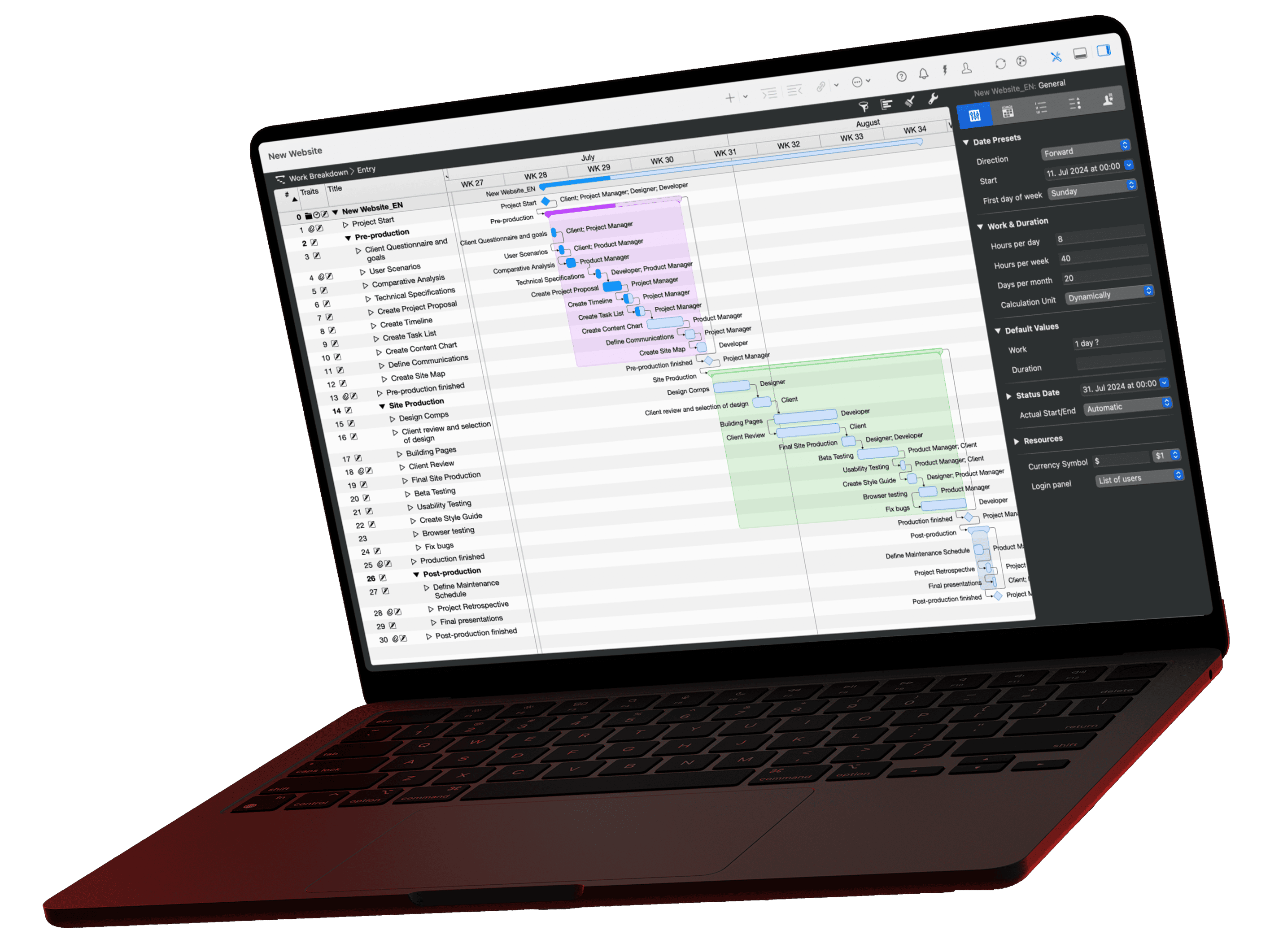
MCP (Model Context Protocol) is an open standard through which AI assistants such as Claude read data from other programs, for example your project plan from Merlin Project. To understand the principle, one comparison and two technical terms are enough. Here you learn what MCP is, which roles server and client play, and what that means in practice for your plan in Merlin Project. You need no programming skills for it.
The video for this article
The video (in German) is embedded in the German version of this article.
The problem before MCP
Remember the time before USB-C? Every device had its own plug, and the drawer was full of cables. The AI world had the same problem for a long time: if an AI assistant wanted to access data from another program, someone had to program a dedicated interface for exactly that combination. For every additional AI, the work started over.
That is why hardly anyone built these connections. If you wanted to discuss your project plan with an AI, you exported it, copied tables into the chat, and repeated that after every change to the plan.
One port for all
MCP stands for Model Context Protocol. Anthropic published this open standard in November 2024. The principle resembles USB-C: a piece of software like Merlin Project builds an MCP server only once. An AI like Claude also supports MCP only once. From then on the two fit together, and every other AI assistant with MCP support can use the same server.
Nine individual connections or six ports
Three AI assistants meet three programs
Before MCP
3 × 3 = 9
connections needed, most of them never built
Before: export, copy, paste into the chat
With MCP
3 + 3 = 6
ports, each built only once, all fit together
Client: built into the AIServer: ships with the program
Now: ask a question, the AI reads the plan directly
With ten AI assistants and ten programs, 100 individual connections stand against 20 ports.
The diagram shows the core: your data flows directly from the program to the AI, with no stop in between. MCP only defines the common language, and every program gets the same port.
Since December 2025, MCP has belonged to the Agentic AI Foundation, which Anthropic, OpenAI, and Block founded under the umbrella of the Linux Foundation. According to Anthropic, there were more than 10,000 active public MCP servers at that point, and ChatGPT, Cursor, Gemini, Microsoft Copilot, and Visual Studio Code supported the standard Source: Anthropic. No single provider controls the protocol on its own.
Two terms are enough
| Term | What it does | In our example |
|---|---|---|
| MCP server | Provides data | Merlin Project with your project plan |
| MCP client | Asks the questions | Claude or another AI assistant |
In between sits the protocol, the common language. You do not have to set anything up for it; you simply ask your question.
What happens when you ask a question
What the video packs into one sentence runs in five steps:
- You ask the AI a question in plain language, for example about the critical path of your project.
- When it connected, the AI already asked the Merlin server which tools it offers, for example “search tasks” or “fetch objects”.
- The AI picks the tool that fits the question on its own and calls it.
- Merlin Project delivers the data from the project you have shared.
- The AI writes the answer from this data.
So the AI answers a question like this one directly from the plan. Our glossary explains what the critical path is:
Prompt: What actually determines my project end date?
Explain the critical path of the active project: Which tasks determine the project end and why? Explain it so that a reader without project management training understands it. Then name the three tasks where an acceleration would benefit the end date the most.Open this prompt in the library ›
The prompt library collects more questions you can ask your plan, each with a sample prompt and the expected result.
What MCP does not govern
MCP defines how client and server talk to each other. What an AI may do with the data, each server decides for itself. The Merlin Project server is deliberately built to hold back:
- It runs locally on your Mac and cannot be reached from outside.
- It only reads; the AI cannot change anything through it.
- It only releases projects that you have explicitly shared via the option “Allow AI tools to interact with document”.
Because of the local design, not every AI assistant can reach the server. Why ChatGPT needs a detour is explained in the article Connecting Merlin Project to ChatGPT?. How Merlin Project handles your data in general is described in the article Digital sovereignty and data protection in Merlin Project.
Which AI assistants can use the MCP server in Merlin Project
Every client that supports local MCP servers can connect to Merlin Project on the Mac.
Find out which one suits you. Answer up to five questions. At the end you get a recommendation with reasons and the link to the matching guide:
May your project data be sent to an AI provider on the internet for processing?
With Claude, ChatGPT and the like, a data center processes the excerpts the AI reads for an answer.
Which AI do you already use today?
An existing subscription helps decide which client causes the least friction.
Where do you prefer to work day to day?
The client should be where you already are, not the other way round.
Should reports be produced automatically, without anyone typing?
For example the status report every Friday at 4 pm as a file.
Claude or OpenAI?
Both terminal clients connect with one command; the only question is where you hold a subscription.
Our recommendation
Open the setup guide ›All step-by-step guides at a glance:
- Claude Desktop: One block in one file, restart
- LM Studio: Download a model, one block in one file
- Claude Code: One command
- Codex: One command
- Antigravity: One block in one file, full restart
- ChatGPT: Copy bridge or Intelligent Assistant
- Which AI client suits you?
The full setup is in the MCP documentation. To try it out, use the sample project Produktlaunch Phoenix.
Further reading
This video is part of the basics series on our German-language channel. You find all episodes, prompts, and templates on the page Der Kritische Pfad.
If you have any questions about this blog article or would like to discuss it, we look forward to your contribution in our forum.
Frequently asked questions
What is MCP in one sentence?
MCP (Model Context Protocol) is an open standard through which AI assistants read data from other programs. A piece of software builds an MCP server once, and from then on every AI assistant with MCP support can use it.
Who developed MCP?
Anthropic published MCP as an open standard in November 2024. Since December 2025, the protocol has belonged to the Agentic AI Foundation under the umbrella of the Linux Foundation, which Anthropic founded together with OpenAI and Block.
What is the difference between an MCP server and an MCP client?
The MCP server provides data, for example Merlin Project with your project plan. The MCP client asks the questions, for example Claude. The protocol is the common language in between.
Do I need programming skills to use MCP?
No. You ask your questions in plain language. For the one-time setup, there is a step-by-step guide for every supported client.
Can an AI change my project data via MCP?
Each MCP server decides that for itself. The Merlin Project server only reads, runs locally on your Mac, and only releases projects that you have explicitly shared via the option “Allow AI tools to interact with document”.
Does ChatGPT work with Merlin Project via MCP?
Not directly. ChatGPT requires a server on the internet for its connectors, but the Merlin server deliberately runs locally on your Mac. Clients that connect directly include Claude Desktop, Claude Code, Codex, Antigravity, and LM Studio.