Glossary
Critical Path
Critical Path Method (CPM)
The critical path is the longest chain of dependent activities in a project. Its length sets the earliest possible finish date. Activities on the critical path have zero float: if one slips by a day, the whole project finishes a day later.
The critical path method (CPM) calculates this path from three inputs per activity: duration, predecessors and successors. James E. Kelley (Remington Rand) and Morgan R. Walker (DuPont) developed it in the late 1950s, at about the same time as the US Navy's PERT method.1 Both work on a network diagram; CPM uses fixed durations, PERT uses three estimates per activity.
How Do You Calculate the Critical Path?
- List activities and durations. Break the project into activities and estimate how long each one takes.
- Set dependencies. Define which activity follows which and draw the network diagram.
- Forward pass. An activity's early start (ES) is the largest early finish (EF) of its predecessors. EF = ES + duration. The largest EF in the project is the earliest project finish.
- Backward pass. Start at the project finish. An activity's late finish (LF) is the smallest late start (LS) of its successors. LS = LF − duration.
- Calculate float. Total float is LS − ES. All activities with zero float form the critical path.
Example: Finding the Critical Path in a Network Diagram
A website relaunch has five activities. Design (B) and Content (C) start after Analysis (A). Build (D) follows Design, and Testing (E) needs both Build and Content.
Network diagram of a website relaunch
Five activities, duration in working days, arrows show dependencies
The calculation starts at day 0. The forward pass gives a project finish after 14 days, the backward pass gives the latest dates:
| Activity | Duration | Predecessors | ES | EF | LS | LF | Float |
|---|---|---|---|---|---|---|---|
| A Analysis | 3 | none | 0 | 3 | 0 | 3 | 0 |
| B Design | 5 | A | 3 | 8 | 3 | 8 | 0 |
| C Content | 2 | A | 3 | 5 | 10 | 12 | 7 |
| D Build | 4 | B | 8 | 12 | 8 | 12 | 0 |
| E Testing | 2 | C, D | 12 | 14 | 12 | 14 | 0 |
Testing (E) starts on day 12 because it waits for Build (EF 12), not for Content (EF 5). In the backward pass, Analysis (A) takes the smallest LS of its successors: min(3, 10) = 3. The critical path is A, B, D, E with 3 + 5 + 4 + 2 = 14 days.
What Happens If an Activity on the Critical Path Is Delayed?
The project is delayed by the same amount. Compare three cases from the example:
- Design (B) takes 2 days longer: B is on the critical path, so the project finishes after 16 instead of 14 days.
- Content (C) takes 5 days longer: C has 7 days of float, so the finish stays at day 14.
- Content (C) takes 8 days longer: the delay exceeds the float by one day. The project finishes after 15 days, and A, C, E becomes the new critical path.
The last case shows that the critical path is not fixed. Recalculate it after every change to durations or dependencies. To pull the finish date forward, shorten critical activities only, for example by crashing or fast tracking. Speeding up an activity that has float does not move the finish date.
Common Pitfalls of the Critical Path Method
- Missing dependencies: a forgotten predecessor lets an activity start too early and shortens the path on paper only.
- Optimistic durations: CPM uses one value per activity. If that value is too optimistic, so is the finish date.
- Ignored resources: CPM assumes enough people for every activity. If one person works on two parallel activities, the schedule no longer holds.
- No updates: without actual values, the critical path shows the situation on planning day, not today.
How Does Merlin Project Show the Critical Path?
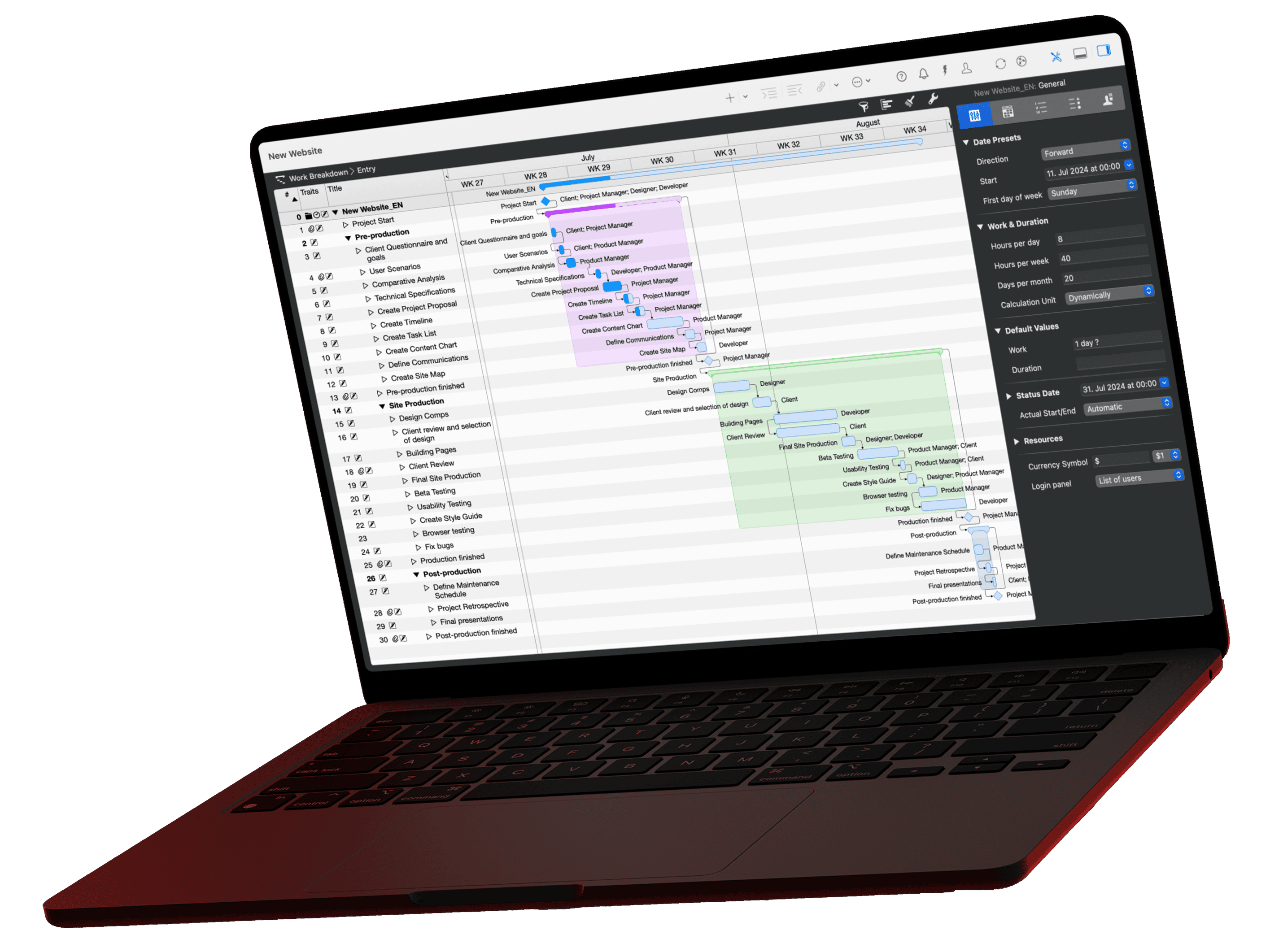
Merlin Project runs the forward and backward pass automatically after every change. Choose View › Show Critical Path or click the lightning bolt in the toolbar. Merlin Project highlights critical activities in red in the Gantt chart; you set the color in the Style Inspector.

The columns Expected Start Slack and Expected End Slack show the float. If both are zero, the activity is on the critical path. The Planned Critical column refers to the original schedule, Expected Critical takes actual values into account. An activity that is 100 % complete is therefore never expected critical.
The guide Show and Understand the Critical Path in Merlin Project shows how the path shifts when you change durations or complete activities.