
macOS Hints: Testing macOS-Betas
Apple regularly offers betas for its operating system macOS, here you can learn how to install and test them without risk.
Authors

Architect and project manager
ProjectWizards GmbH
Hello, my name is Antoni Cherif and I have been part of the ProjectWizards team since 2008. I mainly support and train architects who work with our apps for macOS and iOS, and I test, blog, write tutorials and take care of the content marketing for our products.
I am an architect registered with the Chamber of Architects of North Rhine-Westphalia (AKNW) and a Certified Scrum Master (CSM). On the blog I mostly write about project management in construction, resource and cost planning and new features in macOS and iPadOS.
I describe the tools I use every day in the article What is on my computer.
Do you have any questions or would you like to connect with me?
Apple regularly offers betas for its operating system macOS, here you can learn how to install and test them without risk.
Jul 13, 2021
The new M1 Macs can only be repaired via a switch, if nothing works anymore the DFU mode and Apple Configurator helps.
Jun 23, 2021
Merlin Project offers many functions for documentation and is thus suitable as a digital construction diary.
Jun 7, 2021
On their event on April 20th, Apple introduces new iMacs and iPad Pros with M1 chips to the delight of all Merlin Project users.
Apr 21, 2021
We are often asked which software we use for our daily work in the decentralized office at ProjectWizards. Today Antoni Cherif answers it.
Mar 30, 2021
How working remotely at ProjectWizards GmbH works and why it is so much fun to be part of this team.
Jan 29, 2021
An old idea reissued and described by Stefan Kremer in his blog post: Send notes to absentees with the iOS app Phone Memos for iPhone and iPad.
Oct 22, 2020
macOS hints: Secondary mouse clicks in macOS are used to call context menus for more options. We show you how to enable and use secondary mouse clicks.
Jun 12, 2020
macOS hints: Use the "screen time" function to monitor the usage of your Mac and the installed applications. We show you how.
Jun 3, 2020
macOS hints: Use the built-in spelling and grammar checking on your Mac to verify your texts. We show you how.
May 11, 2020
macOS hints: The operating system of Apple understands different time zones and date formats. Learn how to set the date format for your Mac.
Apr 9, 2020
macOS tips: The operating system from Apple is multilingual. We show you how to set the system language for your Mac.
Mar 26, 2020
macOS tips: We will show you how to zoom in and out of content in macOS for better recognition of the screen content.
Mar 10, 2020
macOS tips: Privacy preferences allow or block applications from accessing personal information. Here you can see how to make these settings in macOS.
Feb 25, 2020
macOS hints: Different calendars use different file formats. We explain you how to export calendar files in ICS format from Apple's Kalender.app.
Feb 11, 2020
macOS hints: We show you how to set the size of attachments in Apple Mail to prevent them from being too tiny to read.
Feb 4, 2020
macOS hints: You want to save the view on your screen as a file or print it? We show you how to make screenshots under macOS.
Jan 14, 2020
macOS hints: Read how you can check which macOS operating system version you are currently using and how to update it to the latest version if necessary.
Jan 7, 2020
macOS Hints: ZIP archives are excellent for compressing large files under macOS and shrinking them for sending.
Nov 25, 2019
macOS Hints: Dark Mode is a dark appearance of the user interface in macOS. Merlin Project supports both dark and light mode.
Nov 6, 2019
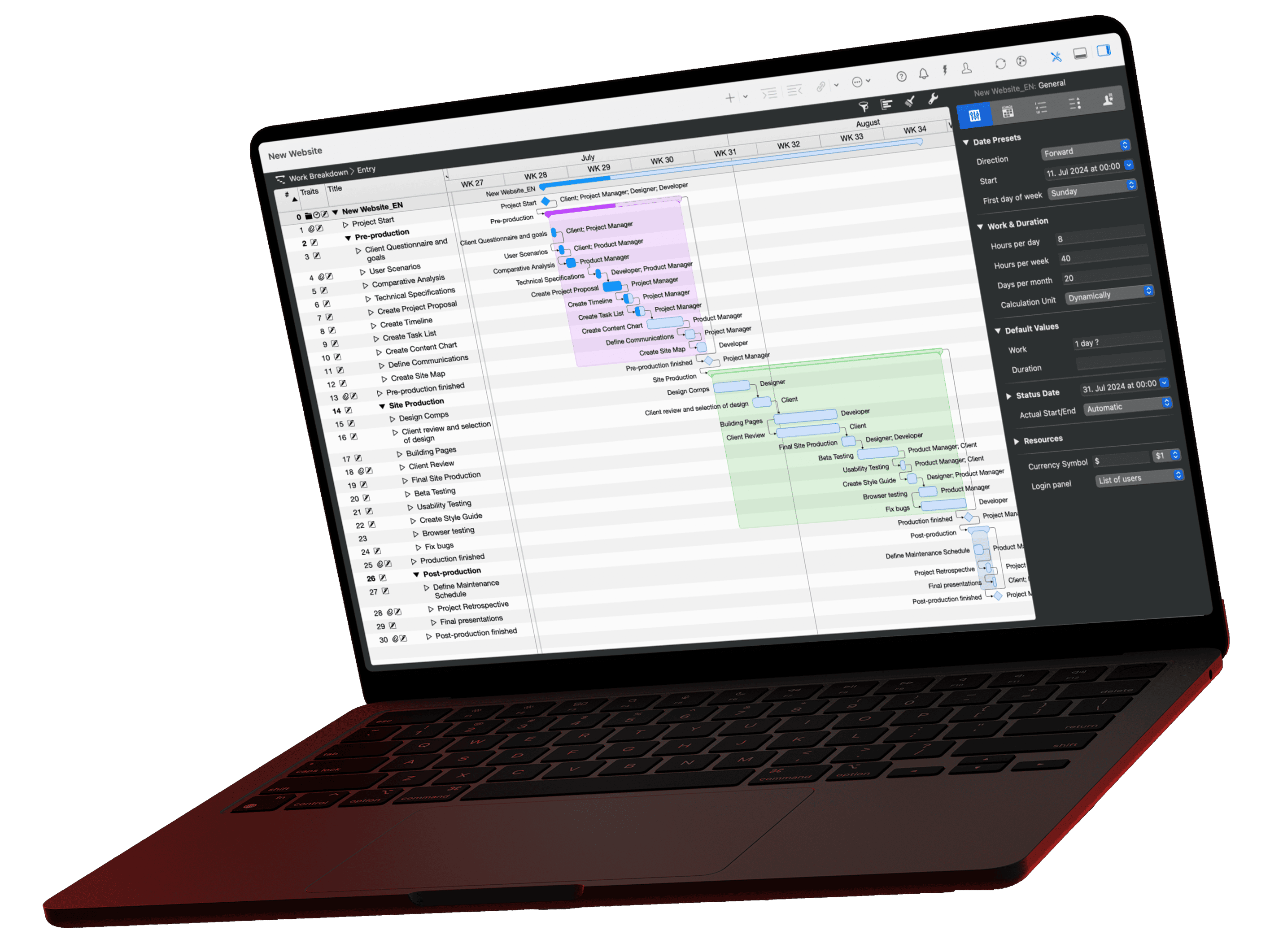
One app for your project plan, native on every Apple device.