Glossary
Top-down Planning
top-down management, top-down approach, top-down estimating
In the top-down approach, the project manager plans from the top down: they set the goal, deadline and budget and break them down step by step into phases, work packages and activities. A top-down estimate derives effort and cost from past experience or comparable projects before a detailed work breakdown structure exists.
As a management style, the approach is called top-down management: decisions are made at the top level and travel down as tasks. The counterpart is bottom-up planning, where the team estimates every work package and adds the values up.
How does top-down planning work?
- Set the frame. The client or management sets the goal, deadline and overall budget.
- Break it into phases. The project manager divides the project into phases and places a milestone at the end of each.
- Distribute budget and time. Percentages from comparable projects split the overall budget across the phases.
- Break down further and assign. Each phase splits into work packages owned by individual teams or people.
- Report progress back. The teams report status upward, and the project manager compares it with the target.
Example: top-down plan for a trade fair appearance
Management sets 60,000 euros and the trade fair date. The project manager distributes the budget according to last year's shares (example values):
| Phase | Share | Budget | Milestone at phase end |
|---|---|---|---|
| Concept | 10 % | €6,000 | Concept approved |
| Stand construction | 55 % | €33,000 | Stand accepted |
| Marketing and invitations | 20 % | €12,000 | Invitations sent |
| Staff and logistics | 15 % | €9,000 | Fair team briefed |
| Total | 100 % | €60,000 |
Each team then breaks its phase down into work packages. If the stand builder calculates 38,000 euros bottom-up, 5,000 euros are missing. The project manager then decides within the triple constraint: a smaller stand, more budget or cuts in another phase.
Advantages and disadvantages of the top-down approach
Advantages
- Available fast: A top-down plan takes hours and is enough for a proposal, a project application or a business case.
- Clear direction: All sub-goals derive from one overall goal.
- Budget control from day one: Each phase has a fixed ceiling.
- Little coordination: Few people decide, and the plan stays consistent.
Disadvantages
- Rough values: Percentages from comparable projects rarely fit the new project exactly.
- Missing expertise: People who do not do the work themselves tend to underestimate the detailed effort.
- Low buy-in: Teams find it harder to stick to targets they had no say in.
- Late corrections: Gaps often only show up during execution, where changes cost the most (see cost of change curve).
Top-down or bottom-up?
Use top-down in early phases, as long as only the goal and budget are fixed. Once the work breakdown structure is in place, check the target with a bottom-up estimate. A side-by-side table of both approaches is under bottom-up planning.
Top-down as a management style

In top-down management, leadership decides, and the lower levels execute and report back. The style suits projects with clear requirements, fixed deadlines and a high need for coordination between many teams, such as regulated projects. Where a project depends on the ideas and expertise of the team, it slows things down. The entry on leadership styles compares other styles.
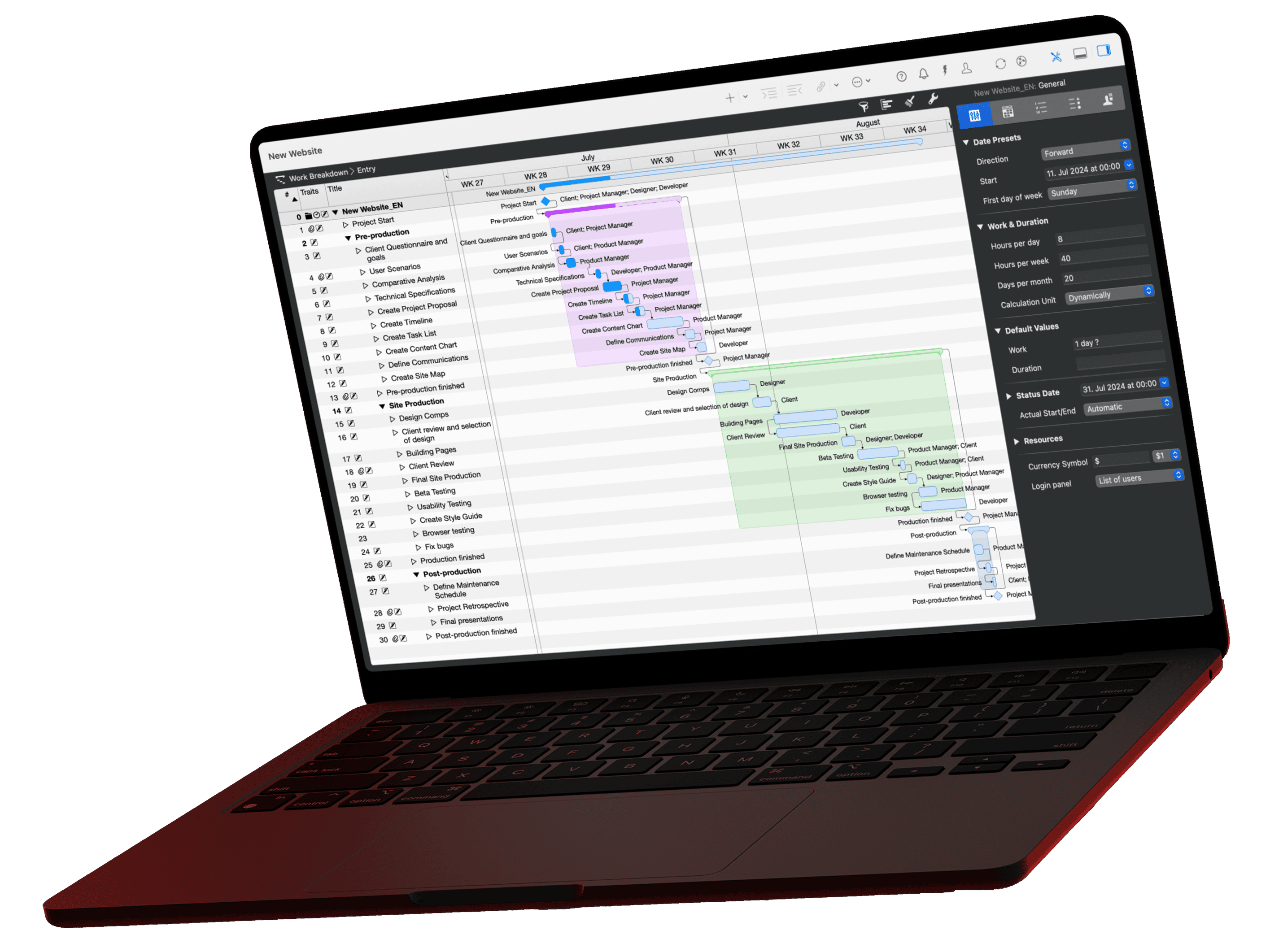
How do you plan top-down in Merlin Project?
In Merlin Project, you break the plan down from the top:
- Create phases and milestones: Create the phases as activities and mark phase ends with Insert › Milestone (Alt+Cmd+M).
- Break down the phases: Add activities under each phase with Insert › Child (Alt+Cmd+G). The phase turns into a group and calculates its duration and time span from its activities.
- Set effort as a share: In the Inspector on the Plan tab, enter a percentage such as
25%in the Work field. Merlin Project reads it as a share of the corresponding given value of the parent activity. - Distribute the budget: Enter the overall budget on the top group under Approved on the Finance tab, Budget tab. On the phases, a percentage is enough: it refers to the approved budget of the parent group. Results: Undistributed shows the remainder you can still allocate.