Glossary
Triple Constraint
Project Management Triangle, Iron Triangle, Project Triangle
The triple constraint (also project management triangle or iron triangle) describes the three factors that limit every project: scope, time, and cost. Quality sits in the middle and depends on all three corners. If you change one corner, you have to adjust at least one other, or quality pays the price.

The model goes back to Martin Barnes. In 1969 he drew a triangle with cost, time, and quality at its corners for his course "Time and Cost in Contract Control".1 Most current versions put scope, time, and cost at the corners and quality in the middle.
What do the three corners mean?
- Scope: what the project delivers, meaning features, deliverables, and requirements. The client and stakeholders define it at the start.
- Time: project start, project end, and all dates in between.
- Cost: the budget for staff, materials, and external services.
- Quality (center): how well the result meets the requirements. Cut time and budget without reducing scope, and you pay with quality.
Decide before the start which corner is fixed. For a trade fair booth it is usually the date; for a fixed-price contract, the budget. This ranking settles every trade-off later.
Triple constraint: an example
Example: an agency builds an online shop. The plan: 12 features in 10 weeks with 2 developers at 2,500 EUR per week each, so 50,000 EUR. The client wants to launch 2 weeks earlier because a campaign starts. The agency calculates three options:
| Option | Scope | Time | Cost | Consequence |
|---|---|---|---|---|
| A: third developer | 12 features | 8 weeks | 60,000 EUR (3 × 8 × 2,500) | Budget rises by 20%, plus onboarding |
| B: cut scope | 9 features | 8 weeks | 40,000 EUR (2 × 8 × 2,500) | 3 features follow after launch |
| C: only move the deadline | 12 features | 8 weeks | 40,000 EUR | Testing and polish drop out, quality falls |
Option C breaks the triangle: the deadline moves up, scope and team stay the same, so quality absorbs the difference. The fixed corner decides between A and B. If the budget is capped, only B remains. Option A is known as crashing; expecting the third developer to be fully productive right away is optimistic, though, see Brooks's law. A fourth route is fast tracking: the team overlaps work steps, saves time without extra staff, and accepts a higher risk of rework.
What extensions of the triple constraint exist?
- Quality as a fourth factor: Some models place quality next to scope, time, and cost instead of in the middle. The triangle becomes a square.
- Devil's square (Teufelsquadrat) by Sneed: Harry Sneed places quality, quantity (scope), development time, and cost at the corners of a square. The area in the middle stands for the team's productivity and stays constant in the short term. Improve one corner and at least one other gets worse.
- Competing constraints: The PMBOK Guide lists further factors a project has to balance besides scope, time, and cost, including quality, resources, and risk.
Common mistakes
- No fixed corner: If nobody clarifies at the start whether date, budget, or scope takes priority, every change triggers a new negotiation.
- Silently sacrificing quality: Option C from the example rarely shows up in daily work until defects reach the customer.
- Changes without compensation: Every new requirement without more time or budget shifts the triangle. That is how scope creep starts.
How do you manage the triple constraint in Merlin Project?
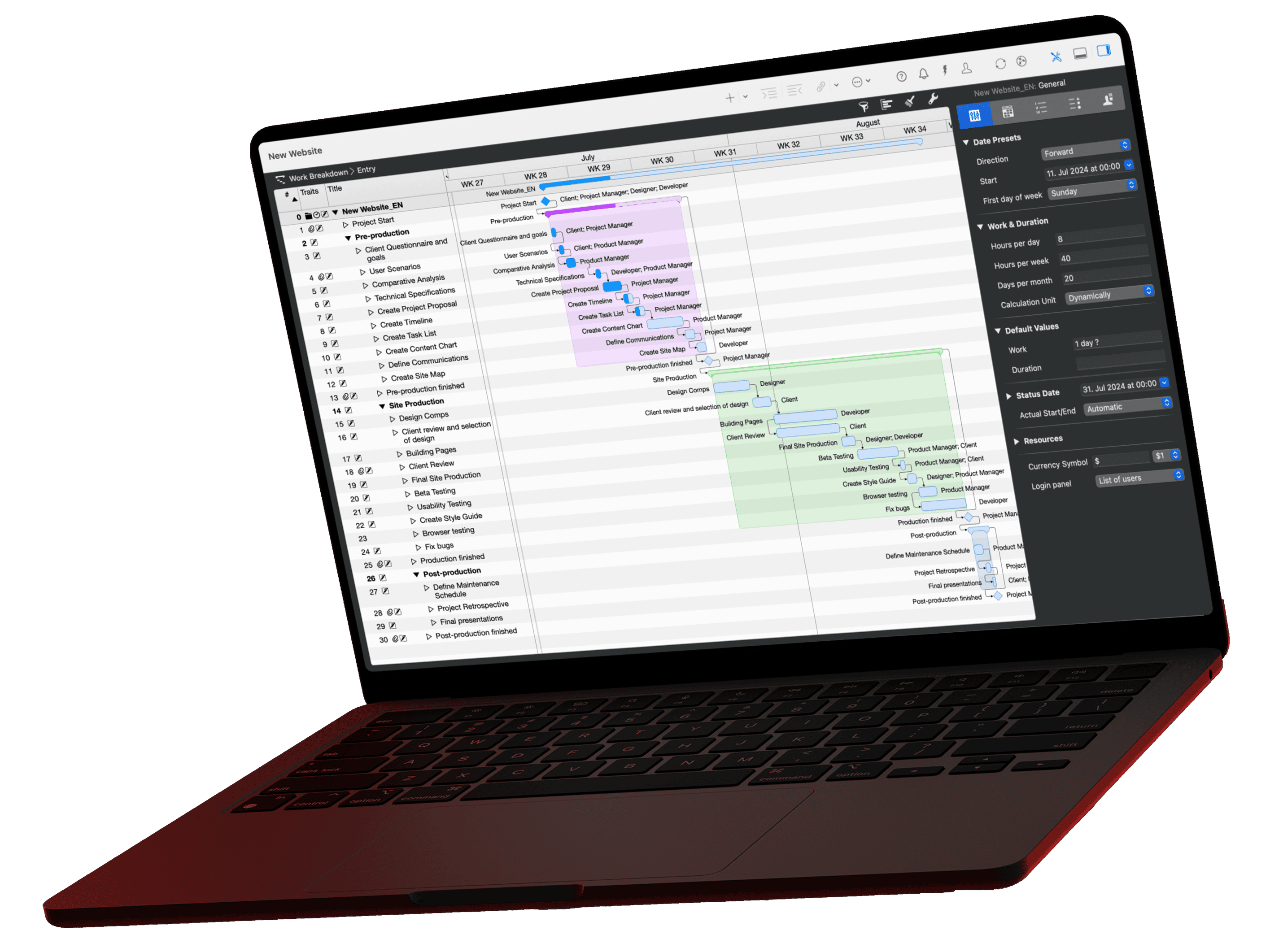
Merlin Project covers all three corners: scope as activities and groups in the Work Breakdown, time through work and duration, dependencies, and the work calendar, cost through resource rates and fixed costs. Change one value and Merlin Project calculates the effect on dates and costs.
The plan/actual comparison shows whether the project is drifting out of the triangle. Enter an earlier date in the Reference Date field of the Project Settings, for example the day the project was approved. Merlin Project then shows the dates planned at that time as gray reference bars in the Gantt chart. You don't need to save a baseline beforehand, because every Merlin document contains the project history. The views Plan/Actual Comparison (Time) and Plan/Actual Comparison (Cost) show planned and expected values side by side, the cost view including budget and balance.
You can rate risks along the triangle too: in the inspector of a risk, score Scope Impact, Cost Impact, and Deadline Impact from 0 to 5 points each.