
Old Merlin Versions
Download an Older App Store Version

Are you using an older Mac with a no longer supported macOS version and need a compatible version of Merlin Project Express or Merlin Project?
This requires that you have already subscribed to the app, meaning it is linked to your Apple ID.
-
Open the App Store and sign in with the same Apple ID you used for your subscription.
-
Click your profile picture to view a list of all purchases associated with this Apple ID.
-
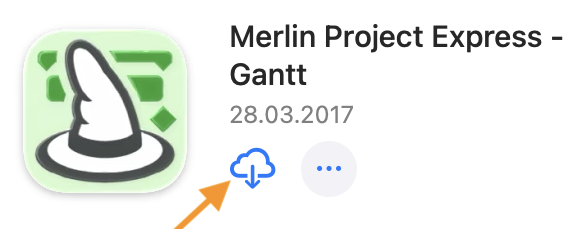
If Apple still offers a version compatible with your system, the download icon will appear next to the app.
-
Click the icon to download the application and use it with your existing subscription.

