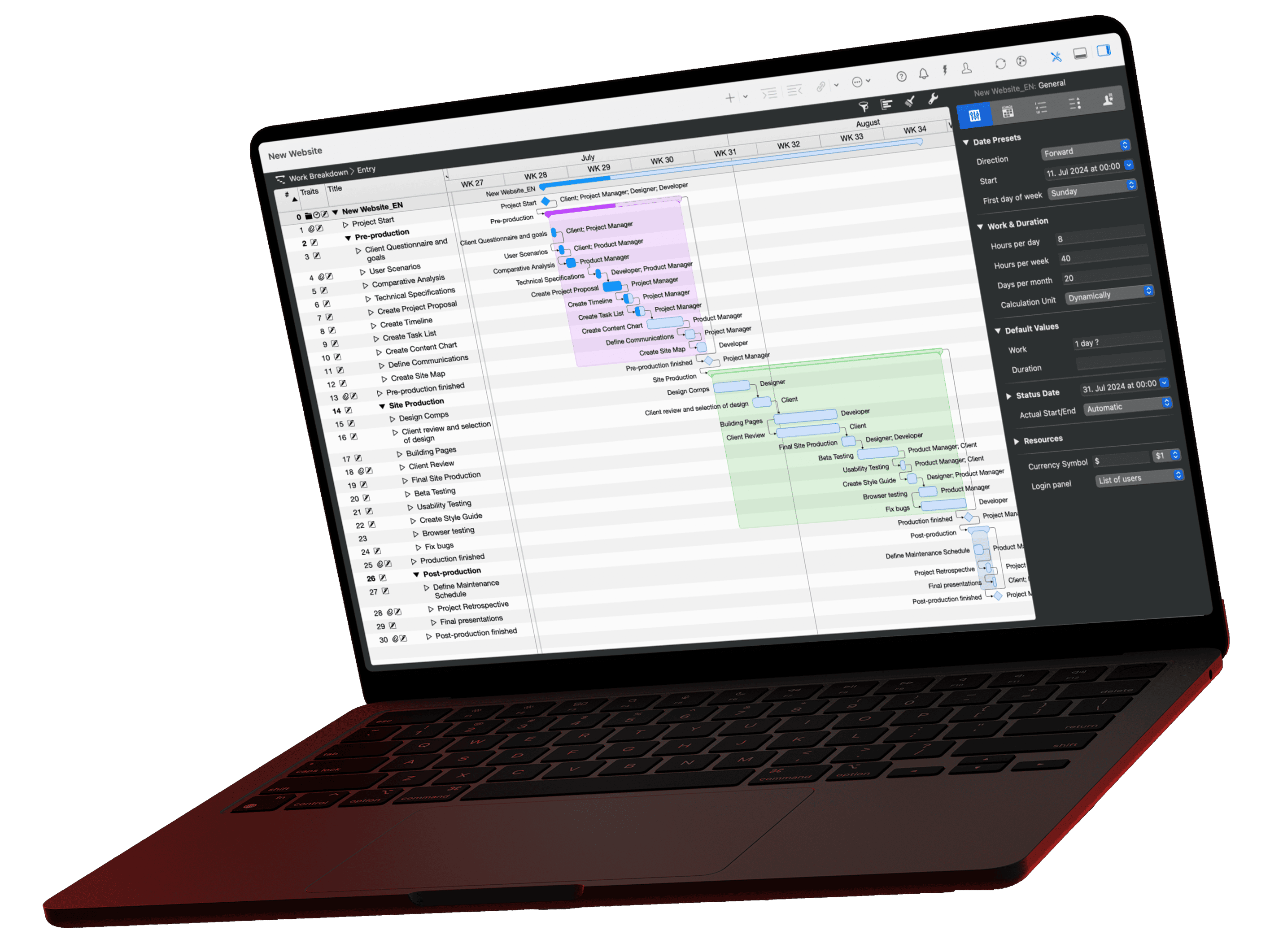
The hardest moment of any project is the blank document. The intelligent assistant in Merlin Project skips it: you describe your endeavor in a few sentences, and the AI delivers phases, tasks, and milestones. The video shows the complete flow.
A new project rarely starts with a plan; it starts with an idea and a blank document. This is exactly where the intelligent assistant in Merlin Project comes in: from a short description of your endeavor, it generates a complete project skeleton with phases, tasks, realistic durations, and milestones.
In the video: the complete flow
The video shows step by step how a description becomes a finished plan: write the description, review the proposal, accept it, and then refine it in the Gantt chart.
Afterwards: have the plan checked
A generated plan is a starting point, not a final result. Before you get going with the team, a structural review pays off: Are dependencies missing? Are durations realistic? Are there buffers before the milestones? Our prompt library has the matching review prompt for exactly this; copy it, paste it into your AI assistant, read the report.
To build along: the kick-off template
If you prefer to start from a proven structure, our templates include the Project Kick-off as a ready-made Merlin Project document. It also works great as a comparison: let the AI plan the same kick-off and hold both versions side by side.
Si vous avez des questions sur cet article de blog ou si vous souhaitez en discuter, nous attendons avec impatience votre contribution dans notre forum.